
In-house models with built-in safety—prohibited content (political, pornographic, violent, illegal, or infringing likeness) cannot be generated.
AI Video Extender Free Online
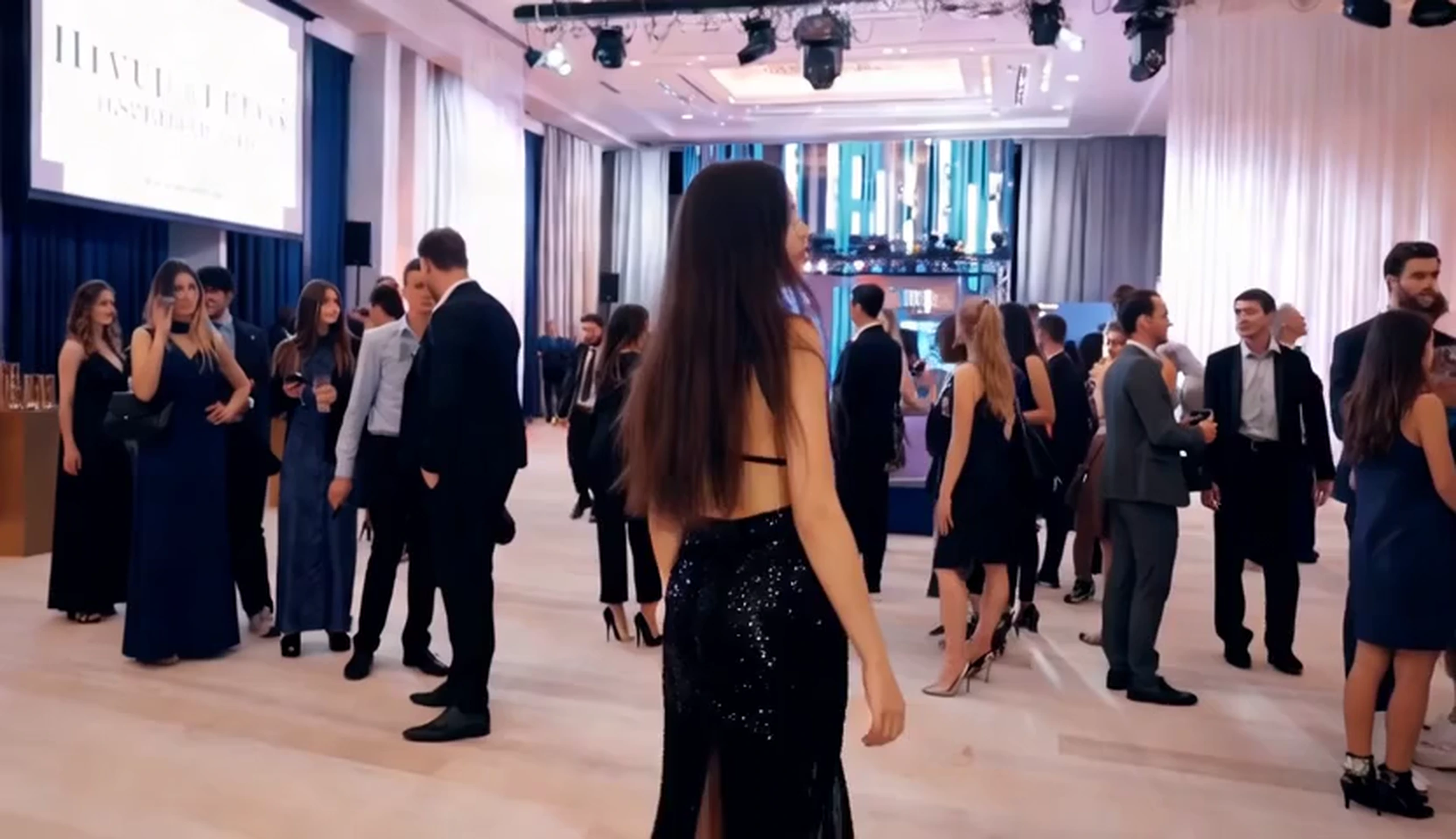
When a great shot ends a few seconds too soon, Muzeclip picks up where it stopped and keeps the scene going with the same motion, lighting, and style. Muzeclip's AI video extender studies the final frames of your clip and generates new footage that flows on so smoothly the join is hard to spot. Extend video length for edits, ads, and social posts without reshooting or resorting to awkward slow motion, and start free with an AI video extender online that turns almost-enough footage into exactly enough.
What is Muzeclip's AI Video Extender?
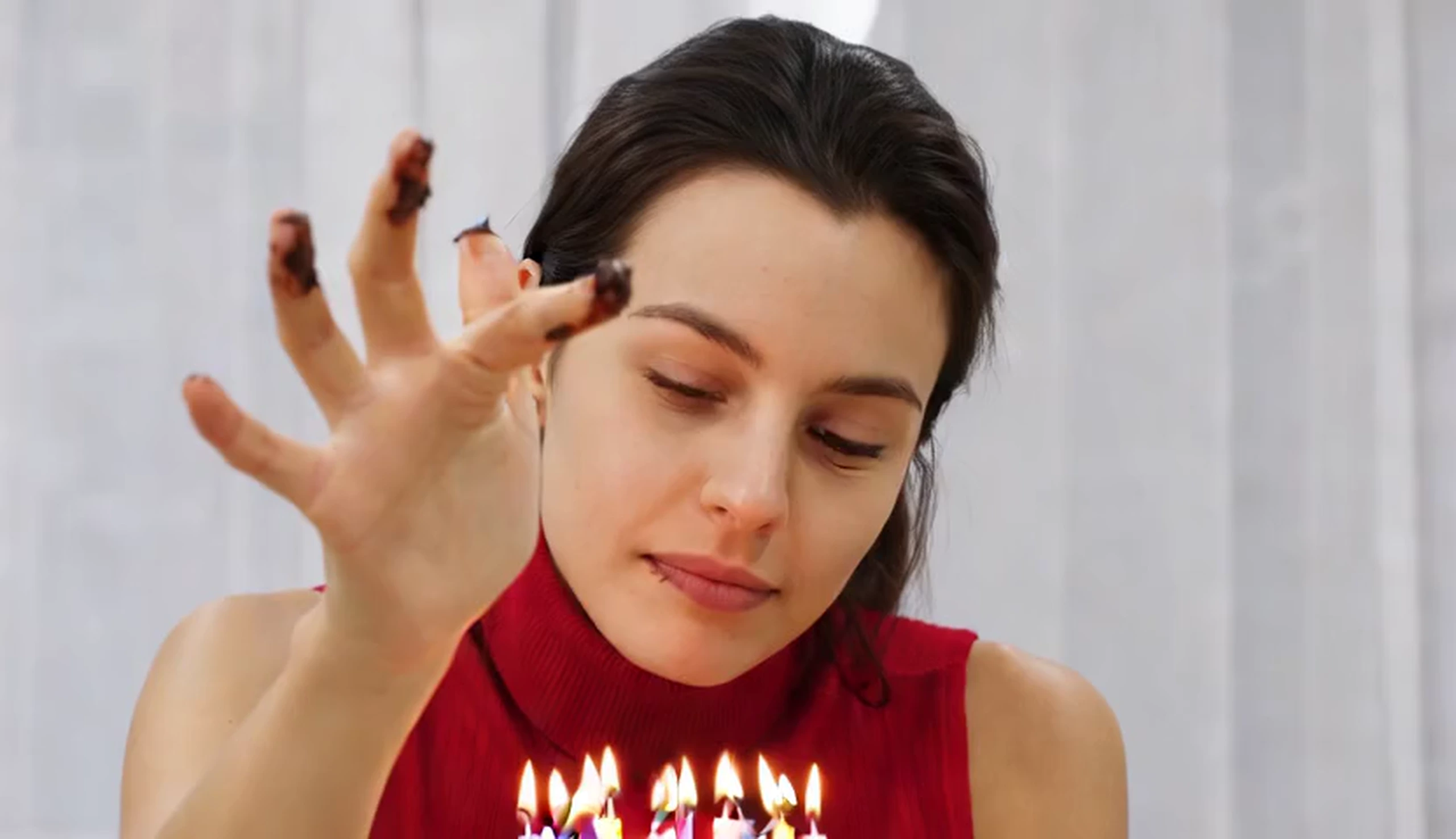
Muzeclip's AI video extender is a generative extend tool that adds new seconds to the end of an existing clip. Instead of slowing the footage down, looping it, or freezing the last frame, the model analyzes the closing frames for subject, motion direction, camera movement, lighting, and visual style, then generates a continuation that carries all of them forward. You can let the action continue naturally, or add a short prompt to steer what happens next, such as the camera keeps drifting toward the lighthouse, or the dancer spins once more and stops on the beat. It suits editors whose B-roll runs short, creators who need a clip to reach a target length, and anyone working with AI-generated clips that end just as they get interesting. It also helps to separate it from two neighboring ideas. Time-stretching and frame interpolation make the same footage play more slowly, which often looks floaty or stuttery, while frame or aspect ratio extension widens the picture to fit a new format. Muzeclip's extender focuses on duration, creating genuinely new footage so your clip simply lasts longer.
How Does Muzeclip's AI Video Extender Work?
Upload the Clip You Want to Extend
Choose a clip whose last second is clean and steady, with a clear subject, consistent lighting, and no hard cut or fade at the end. The AI extends from what it sees in those closing frames, so trimming away a shaky ending or a transition first gives it the strongest starting point.
Guide What Happens Next
Let the action continue on its own, or describe the next few seconds in plain words, for example: the car keeps driving toward the sunset as the camera slowly rises above the trees. Keep the instruction consistent with the existing motion, because asking a gentle pan to suddenly become a fast chase is the most common cause of a visible seam.
Preview the Join and Export
Watch the transition point at full speed and then frame by frame; if the motion jumps, regenerate or ask for a shorter extension. When it feels seamless, download the extended video, watermark-free on eligible plans, or extend again from the new ending to build a longer sequence.
What You Can Do with Muzeclip's AI Video Extender?
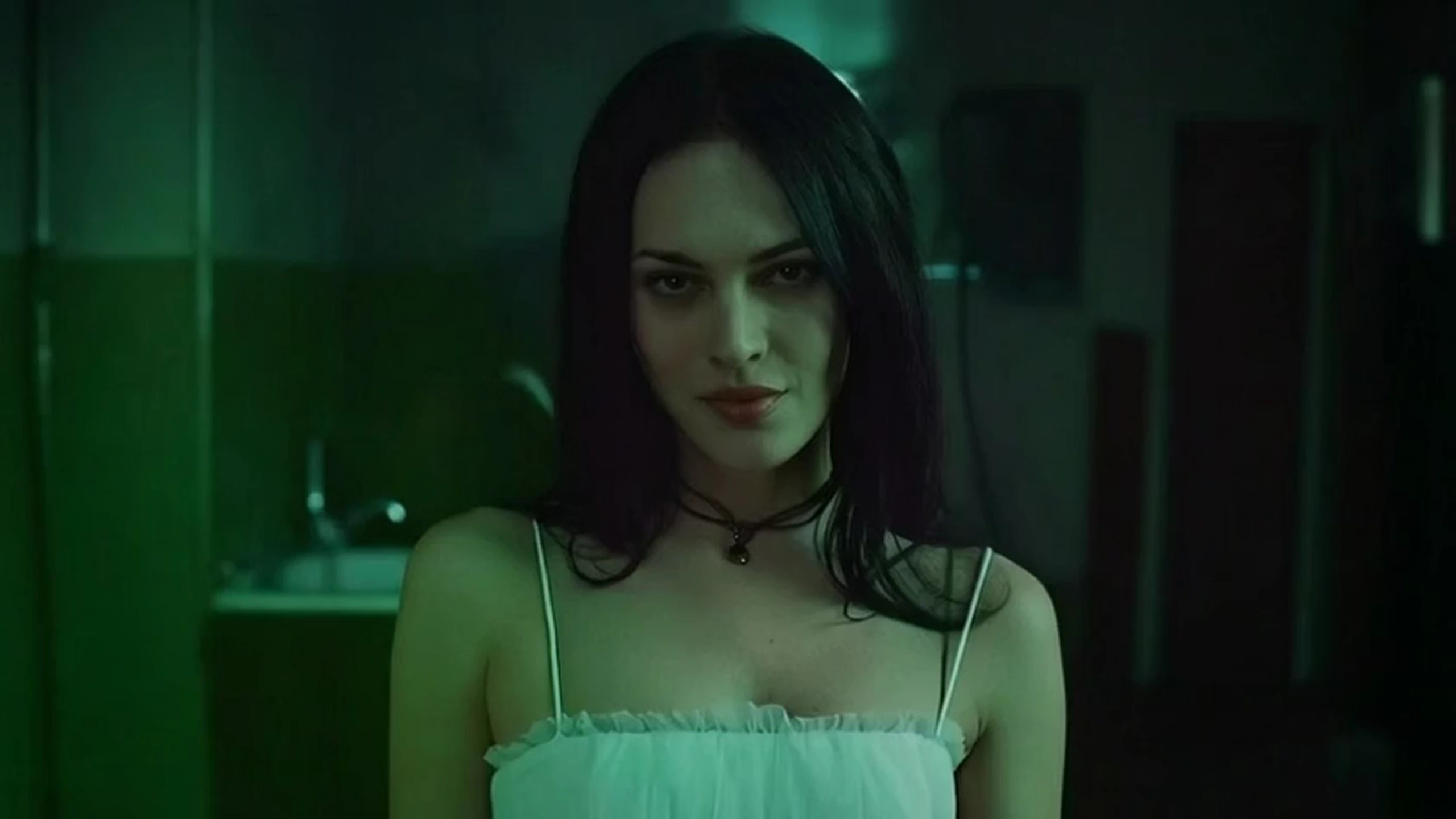
Turn a Five-Second Moment Into a Full Reel
Short-form feeds reward clips that hold viewers a little longer, and a punchline that lands too fast gets scrolled past. Extend a cat eyeing a glass at the edge of the counter, a skateboarder mid-trick, or a reaction shot, and let the scene unfold into a payoff, which is exactly how AI video extender meme formats play with the question of what happens next. Creators use this video extender AI to turn great moments into Reels, Shorts, and TikToks without reposting the same few seconds on a loop.
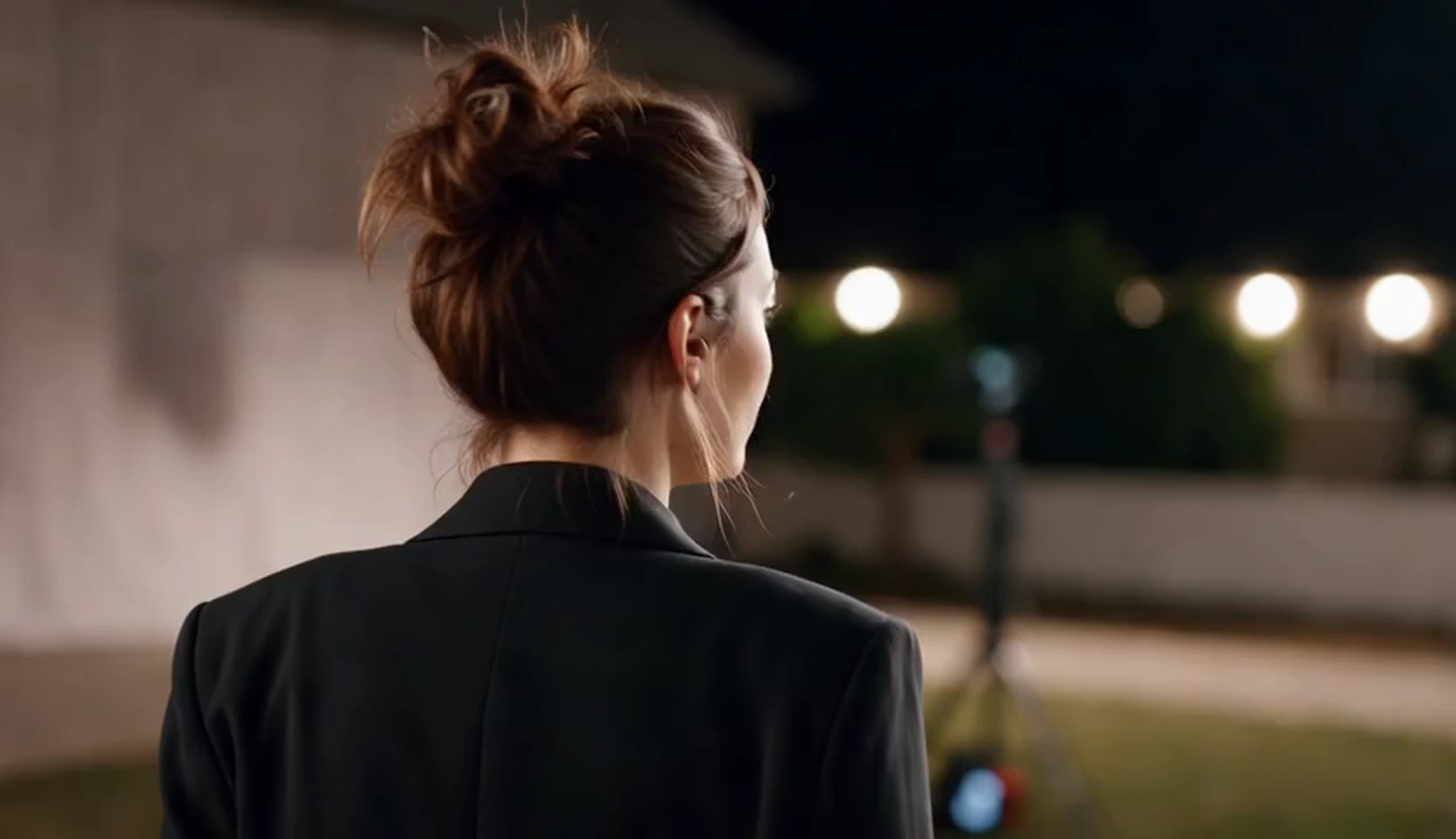
Turn a Shot That Ends Too Soon Into One That Fits the Edit
Every editor knows the frustration: the voiceover needs six seconds, the drone shot gives you four, and the music drop hits just after the footage runs out. Extend the shot to cover the gap, and Muzeclip continues the same flight path and light so the cut lands right on the beat. Wedding filmmakers, YouTubers, and documentary editors use this AI video length extender to rescue footage that would otherwise need slow motion, a jump cut, or a reshoot.
Turn Short AI Clips Into a Continuous Scene
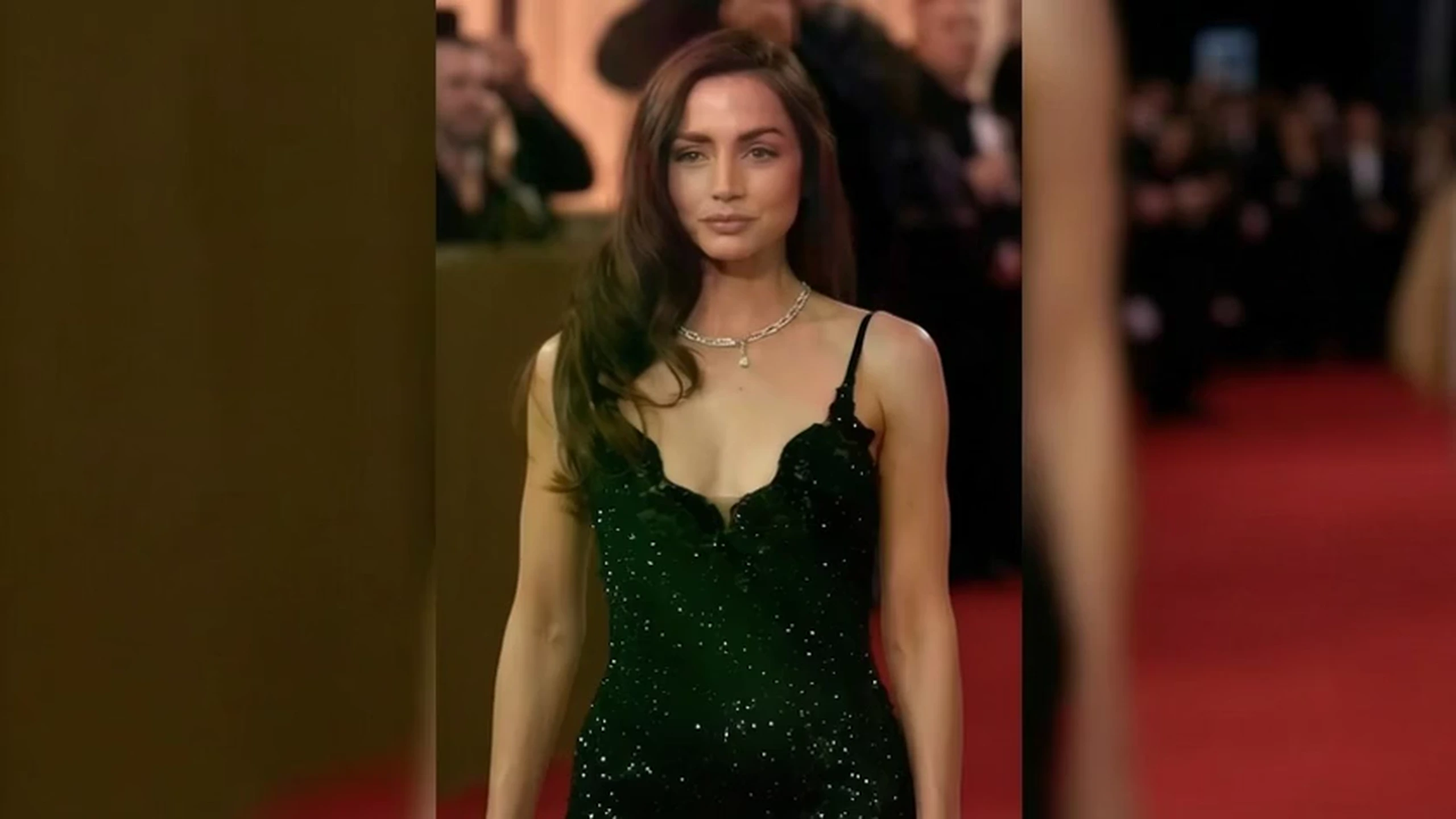
Many AI-generated clips end just as the story begins: a knight raises a sword, a spaceship starts to land, a girl reaches for a mysterious door. Feed the clip back in, describe the next beat, and Muzeclip continues the scene with the same character, wardrobe, and setting. Storytellers pair Text to Video and Image to Video with this tool to extend AI video into longer narrative sequences, one seamless step at a time.
Turn a Rushed Ending Into a Clean Outro
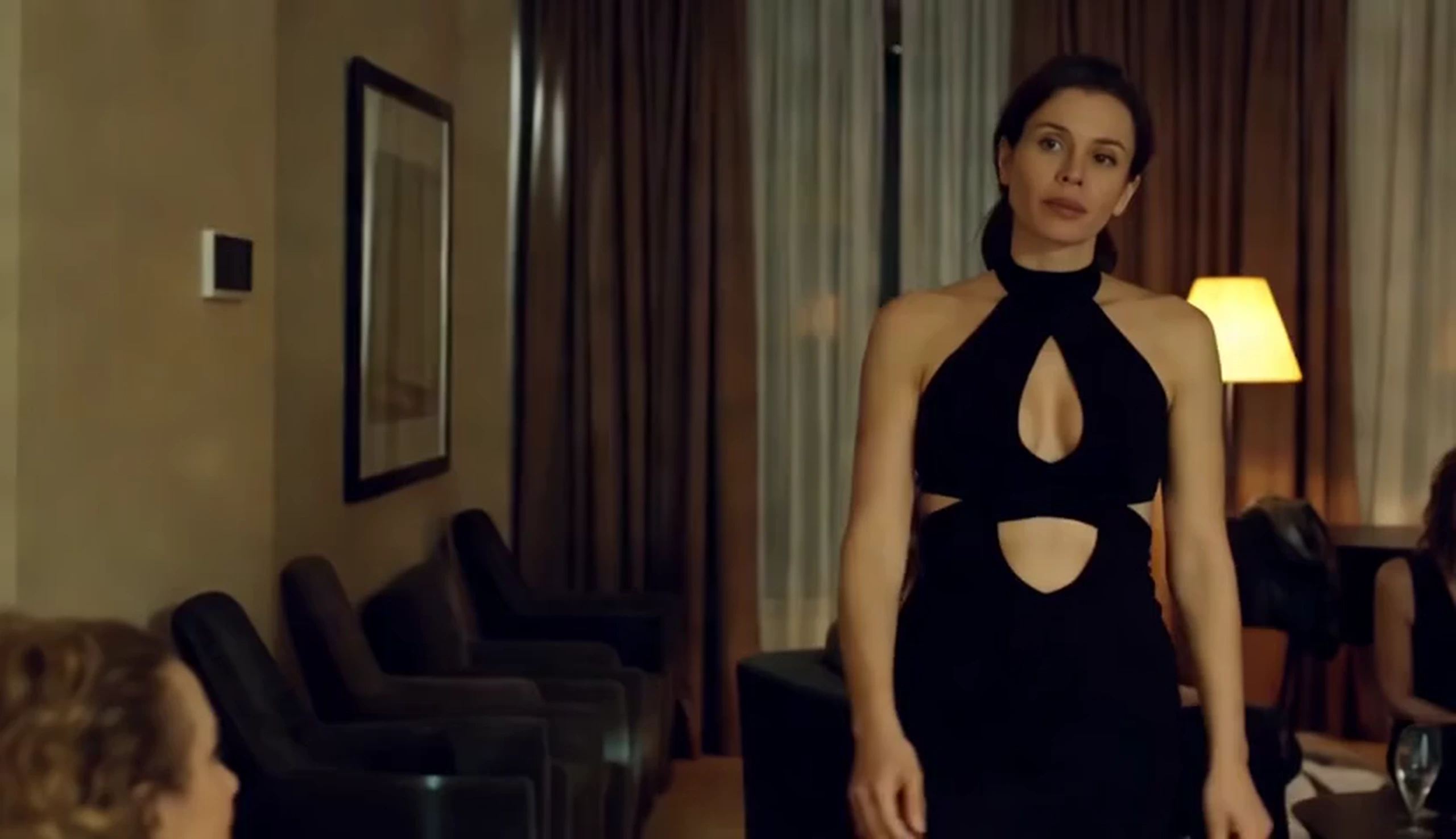
Ads and product videos often need a few extra seconds at the end for a logo, a price, or a call to action, yet the hero shot cuts off mid-motion. Extend the final shot so a perfume bottle keeps turning in soft light or a runner eases to a calm stop, giving your end card room to breathe. Marketers use this AI video duration extender to fit 6, 15, and 30-second ad slots without re-editing the whole spot.
Who is Muzeclip's AI Video Extender for?

Short-Form Creators and Meme Makers
The best moment in a clip is rarely as long as the platform wants it to be. Extending the footage gives creators extra seconds of payoff, smoother loops, and more room for captions, without hunting for a second take.

Video Editors and Filmmakers
Running short on a shot usually means compromising the cut. Using AI to extend video duration lets editors match voiceover, music beats, and transitions precisely while keeping the original look intact.

Marketers and AI Video Creators
Ad slots and stories both demand specific lengths. Choosing to extend a video with AI helps brands and creators hit 15 or 30 seconds, hold an end card, or carry a scene forward without starting over.
Why Choose Muzeclip's AI Video Extender?
New Footage, Not Slow Motion
Many free video extender AI tools stretch time by interpolating frames, which leaves motion floaty and soft. Muzeclip generates genuinely new seconds at normal speed, so a wave keeps crashing and a walker keeps walking at the pace the original was filmed.
Seams That Are Hard to Spot
A good extension is one nobody notices. Muzeclip carries over subject identity, camera direction, color grade, and lighting from the final frames, so the point where the original ends and the AI extended video begins blends into one continuous shot.
Free to Try, Built Into Your Workflow
Upload, extend, and download in the browser, with free credits to extend video AI online before you commit. Eligible plans export without a watermark and include commercial usage rights, and Text to Video and Image to Video sit in the same workspace for when you need a brand-new shot rather than a longer one.