
In-house models with built-in safety—prohibited content (political, pornographic, violent, illegal, or infringing likeness) cannot be generated.
Text Prompts to Video AI Generator Free Online
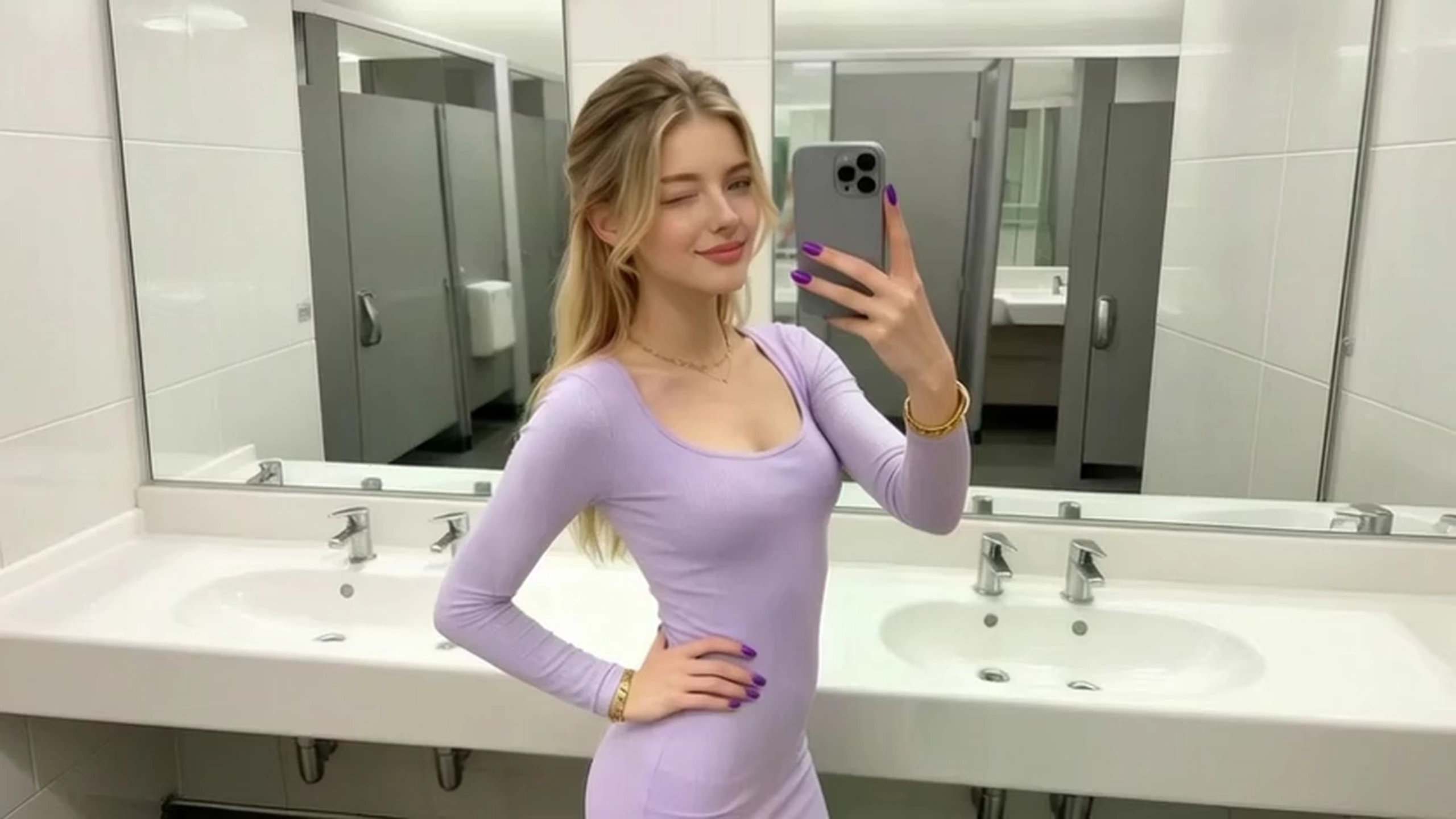
Write the scene you imagine, and Muzeclip turns it into moving footage with lifelike motion, deliberate camera work, and lighting that sets the mood. As an AI video generator from text, it replaces the shoot, the stock library, and the editing timeline with a single prompt box, so a rough idea becomes a polished clip before your coffee cools. Create AI videos from text for social, marketing, or storytelling, and start free with an AI video creator from text that follows your direction shot by shot.
What is Muzeclip's Text to Video?
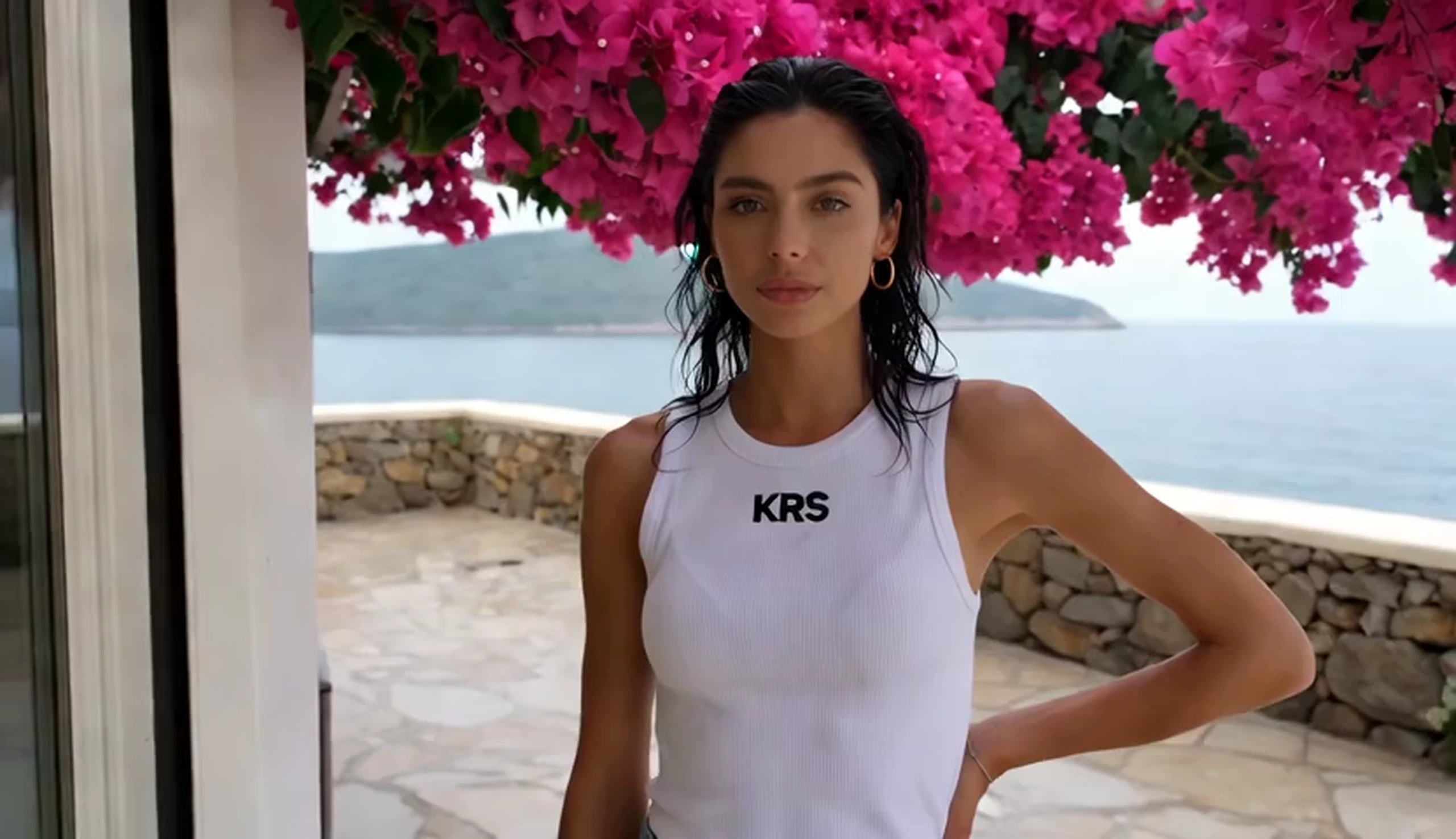
Muzeclip's text to video is a generative video generator from text that converts text to video by synthesizing every frame from your description, rather than matching words to stock footage or filling in a template. The model breaks a prompt into the elements a director cares about: who is in frame, what they are doing, where it happens, how it is lit, and how the camera moves. It then renders a clip in which those elements stay coherent as time passes. That makes it a natural fit for creators, marketers, teachers, and writers who can describe a shot clearly but have no footage, crew, or animation software to produce it. It also helps to know what it is not. An online text video editor is designed for adding text to video online, layering captions and titles onto clips you already own, and a slideshow maker simply pans across still images. Muzeclip generates the video itself from your words, then hands you a clean file to caption, score, and cut in whichever editor you already use.
How Does Muzeclip's Text to Video Generator Work?
Write a Director-Style Prompt
Start with one subject and one clear action, then add setting, lighting, and camera movement in that order, for example: an elderly fisherman mending a net on a wooden pier, warm late-afternoon light, slow push-in from a low angle. Keeping each clip to a single moment gives the text to video AI room to render motion cleanly instead of rushing through several events.
Set the Format and Visual Style
Pick an aspect ratio for where the clip will live, such as 9:16 for Reels and Shorts or 16:9 for YouTube and presentations, then choose a look from realistic and cinematic to anime or 3D animation. Click Generate and Muzeclip renders the clip in the cloud, so it runs in any modern browser with no installs and no dedicated graphics card.
Review, Iterate and Export
Watch the result with a critical eye. If the motion feels rushed, add words like slow or gentle; if the scene looks flat, name the light source. Change one variable per regeneration so you learn what each word controls, then download the finished clip, watermark-free on eligible plans, ready to post or drop into your timeline.
What You Can Do with Muzeclip's Text to Video?
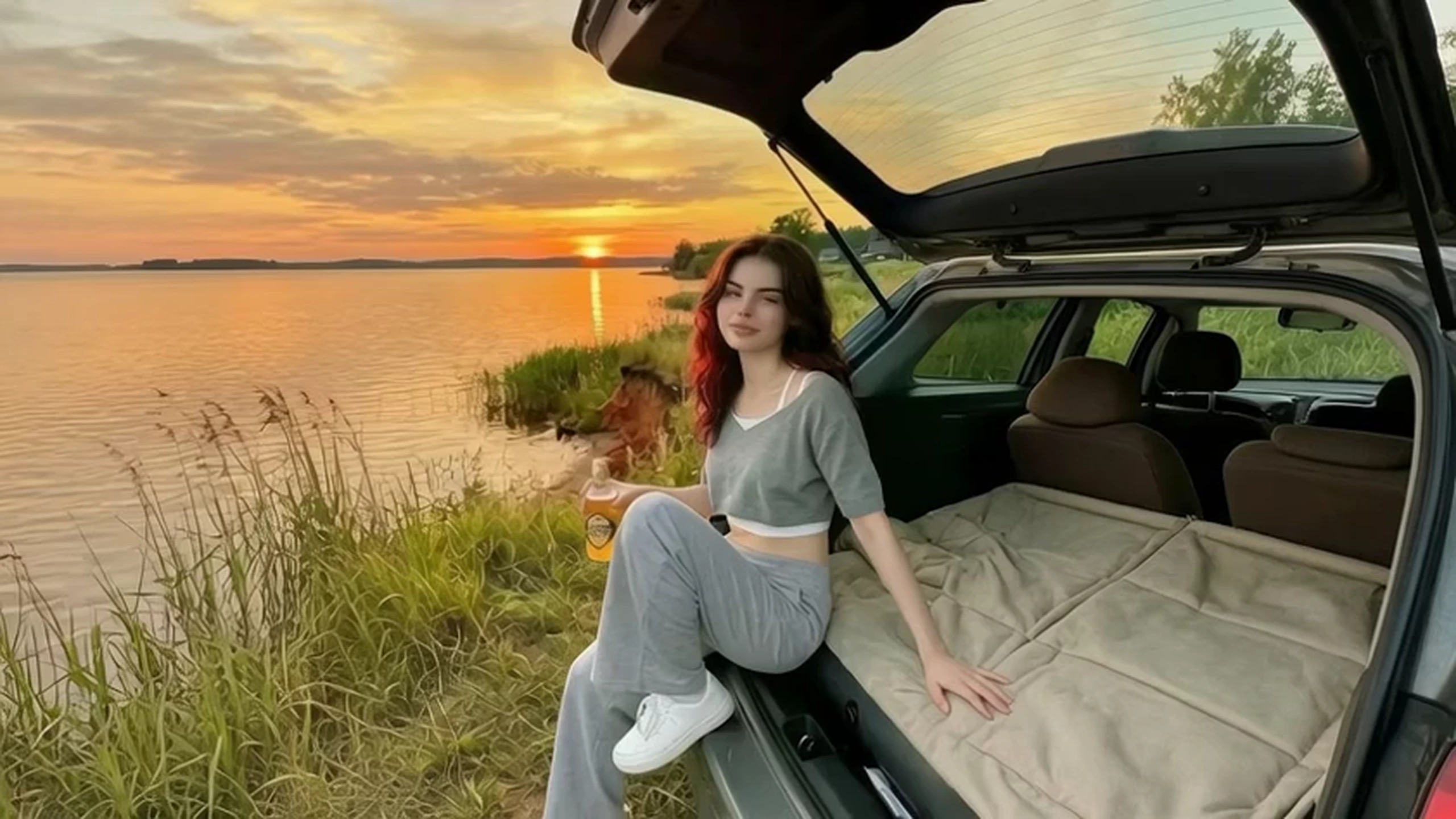
Turn a Script Line Into a Faceless Shorts Opener
On TikTok, Reels, and Shorts, the opening shot has to earn the next second of attention, so describe something viewers have never quite seen, such as a paper boat sailing through a flooded library or an astronaut watering a garden on the Moon. Muzeclip renders the hook in vertical framing so the subject stays centered on a phone screen. Faceless channel owners rely on this free AI video generator from text to produce daily intros and B-roll that match the script line by line.
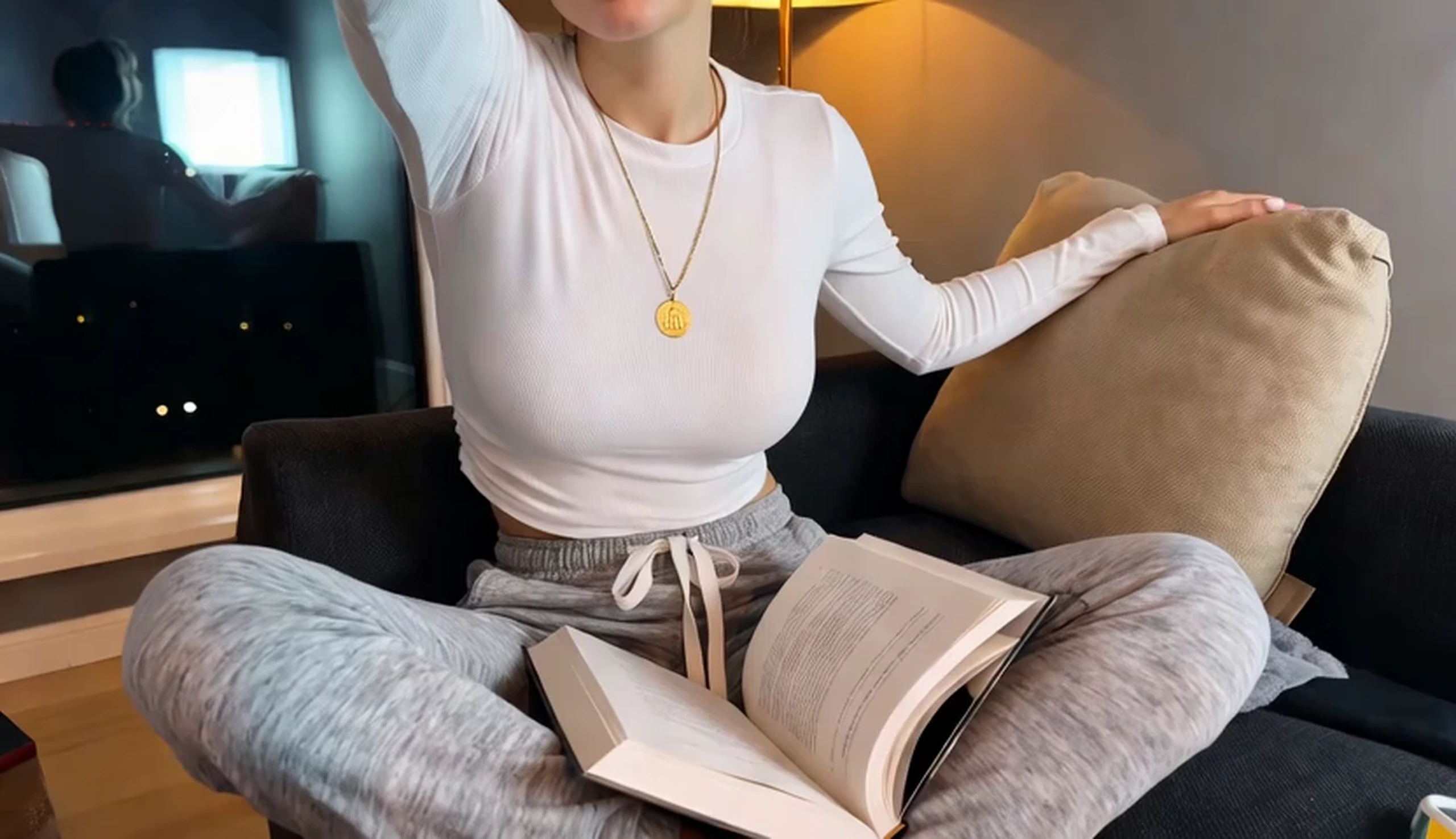
Turn a Product Listing Into a Launch Teaser
Take the heart of a product description and add motion: wireless earbuds rising out of a pool of black ink, or a scented candle flickering beside rain on a window. Muzeclip treats the product as the hero, with controlled camera moves and lighting that flatter its materials and colors. E-commerce sellers and performance marketers use this text to video converter to spin up several ad angles from one brief and find the one that converts before paying for a studio day.
Turn a Lesson Plan Into an Animated Explainer
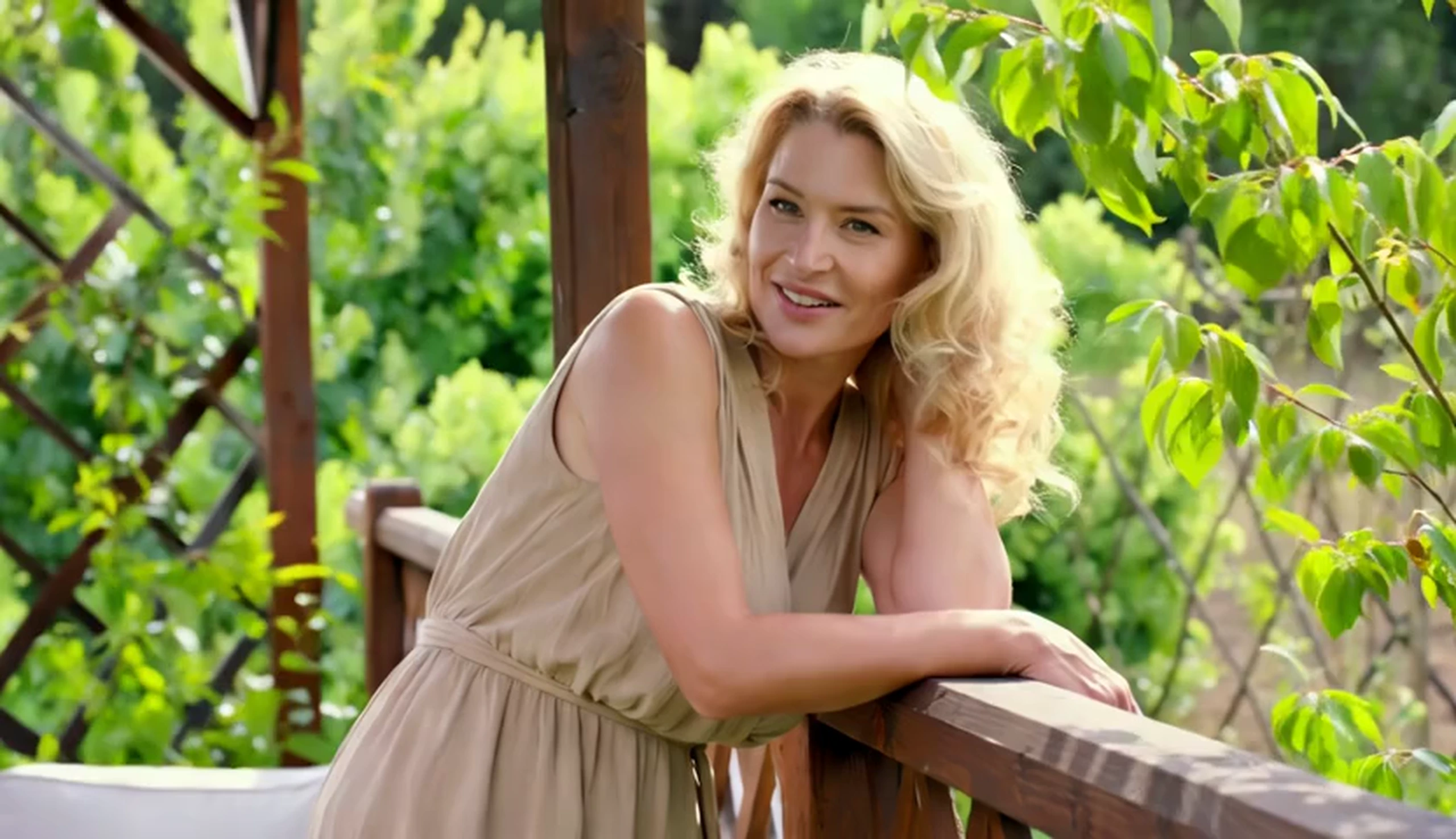
Abstract processes click faster when learners can watch them unfold, whether that is water evaporating into clouds, a bill moving through Congress, or a cargo ship crossing an ocean. Write the process as a short sequence of visual beats, and Muzeclip delivers a clear animated clip in 2D, 3D, or illustrated styles. Teachers, trainers, and course creators use text to animation video AI to convert text into video that students remember long after a static slide is forgotten.
Turn Lyrics and Short Stories Into Cinematic Scenes
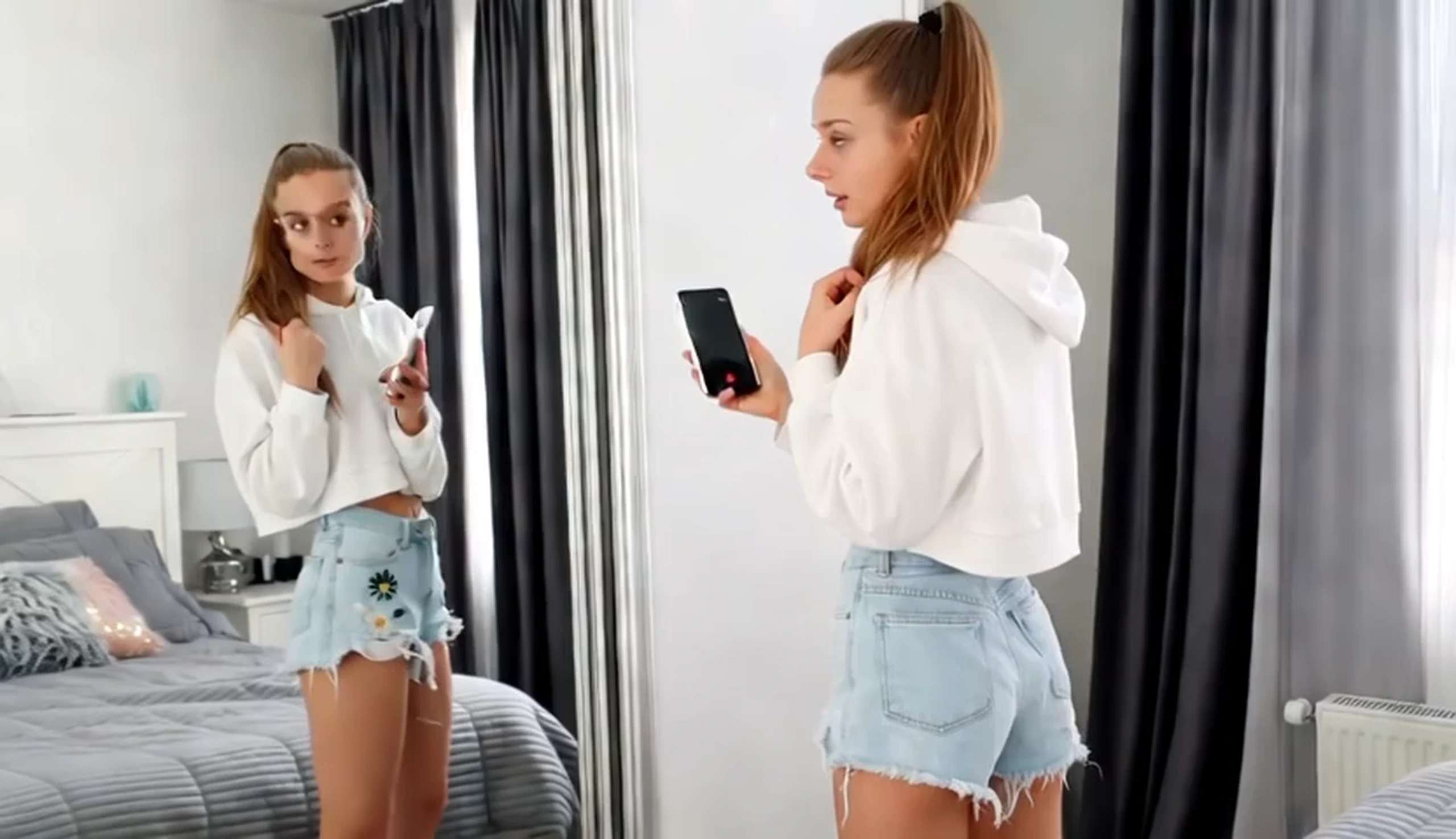
Musicians and storytellers can create AI video from text that carries the emotion of a verse or a chapter, such as a lone dancer in a neon-soaked alley for a synth-pop chorus, or a lantern-lit forest path for a bedtime tale. Keep a character's description identical across prompts, or start from the same reference image, and Muzeclip holds their look steady from scene to scene. The clips work as lyric visualizers, mood reels, or storyboards for a larger text to animated video AI project.
Who is Muzeclip's Text to Video for?

Content Creators and Faceless Channels
A steady posting schedule breaks down the moment footage runs out. With a text to video maker in the workflow, creators can create video with text alone and give every script line its own visual, so they publish on time without filming, licensing stock, or hiring an animator.

Marketers, Agencies and Online Sellers
Campaigns move faster than production calendars. Turning existing copy into video ads, product teasers, and seasonal variations in-house lets teams test ideas every week and save real shoots for the concepts that have already proven themselves.

Educators, Authors and Indie Filmmakers
A concept is hard to explain and a scene is hard to pitch when the audience can only read about it. Using AI to generate AI video from text turns lesson outlines, manuscript passages, and screenplay pages into visuals people can watch, discuss, and remember.
Why Choose Muzeclip's Text to Video?
Your Sentence Is the Shot List
Many text to AI video generators grab the nouns and guess the rest. Muzeclip reads the whole prompt, including verbs, mood, light direction, and lens language, so a handheld close-up of a chef flambéing a pan in a dim kitchen arrives as that exact shot, not a generic cooking clip.
Consistency You Can Build a Series On
One great clip can be luck; ten matching clips need a workflow. Muzeclip keeps perspective, physics, and subject identity coherent within each shot and lets you anchor characters and products with reference details, so AI generated videos from text sit naturally side by side in the same campaign or episode.
Free to Try, Ready to Publish
Muzeclip runs entirely online, from prompt to download. New users get free credits to try text to video free, eligible plans unlock watermark-free exports and commercial usage rights, and Image to Video sits in the same workspace for the moments you would rather animate a photo than describe one.