
In-house models with built-in safety—prohibited content (political, pornographic, violent, illegal, or infringing likeness) cannot be generated.
Image to Video AI Generator Free Online
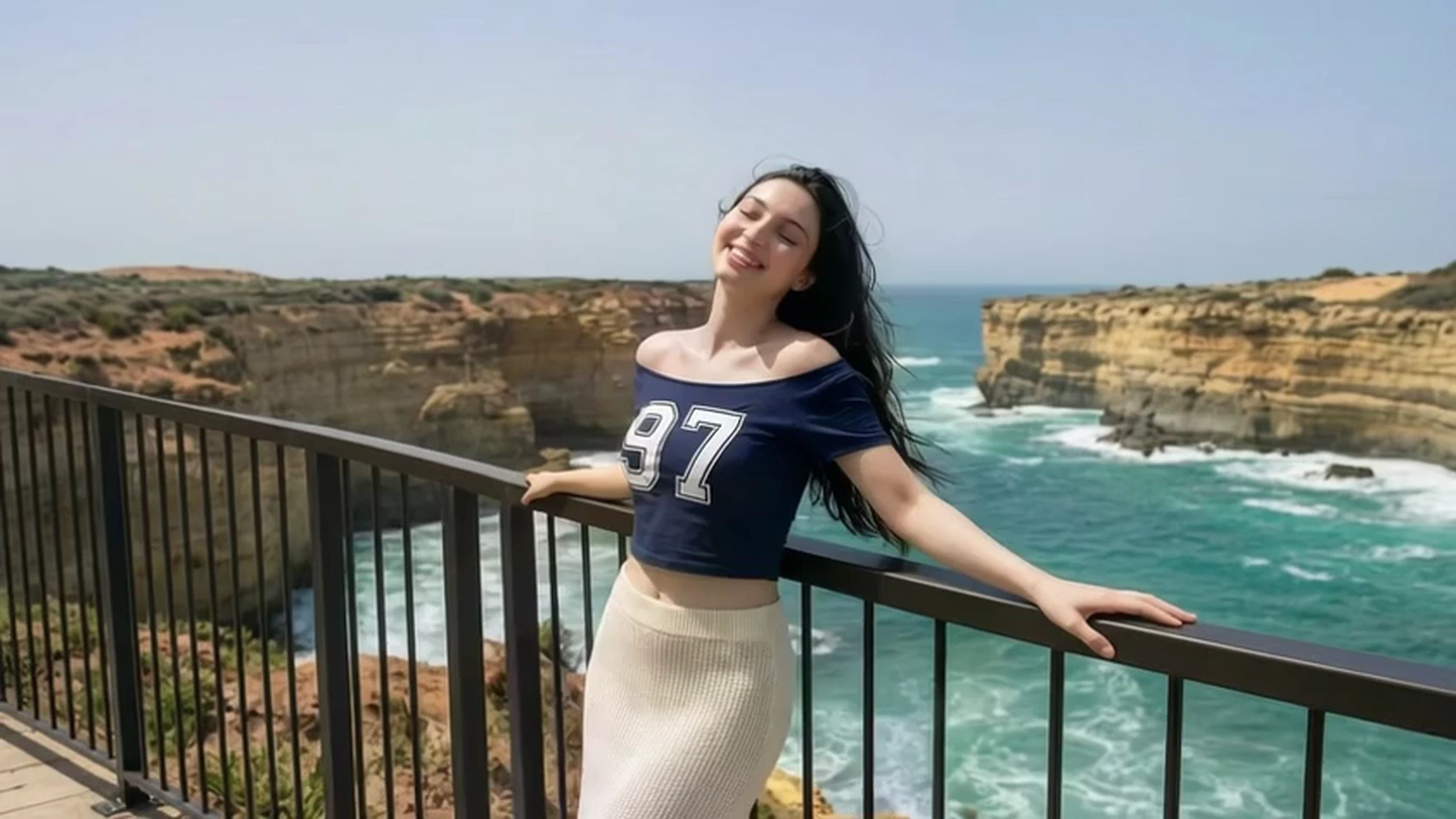
Upload a photo, describe the motion and Muzeclip brings the still to life with natural movement, believable depth and camera work that feels filmed. Muzeclip's AI video generator from image keeps faces, products, and artwork close to the original while hair drifts, waves roll, and light shifts across the frame. Turn pictures into video in minutes without footage or editing skills, and start free with AI photo to video online that stays faithful to the picture you started with.
What is Muzeclip's Image to Video?
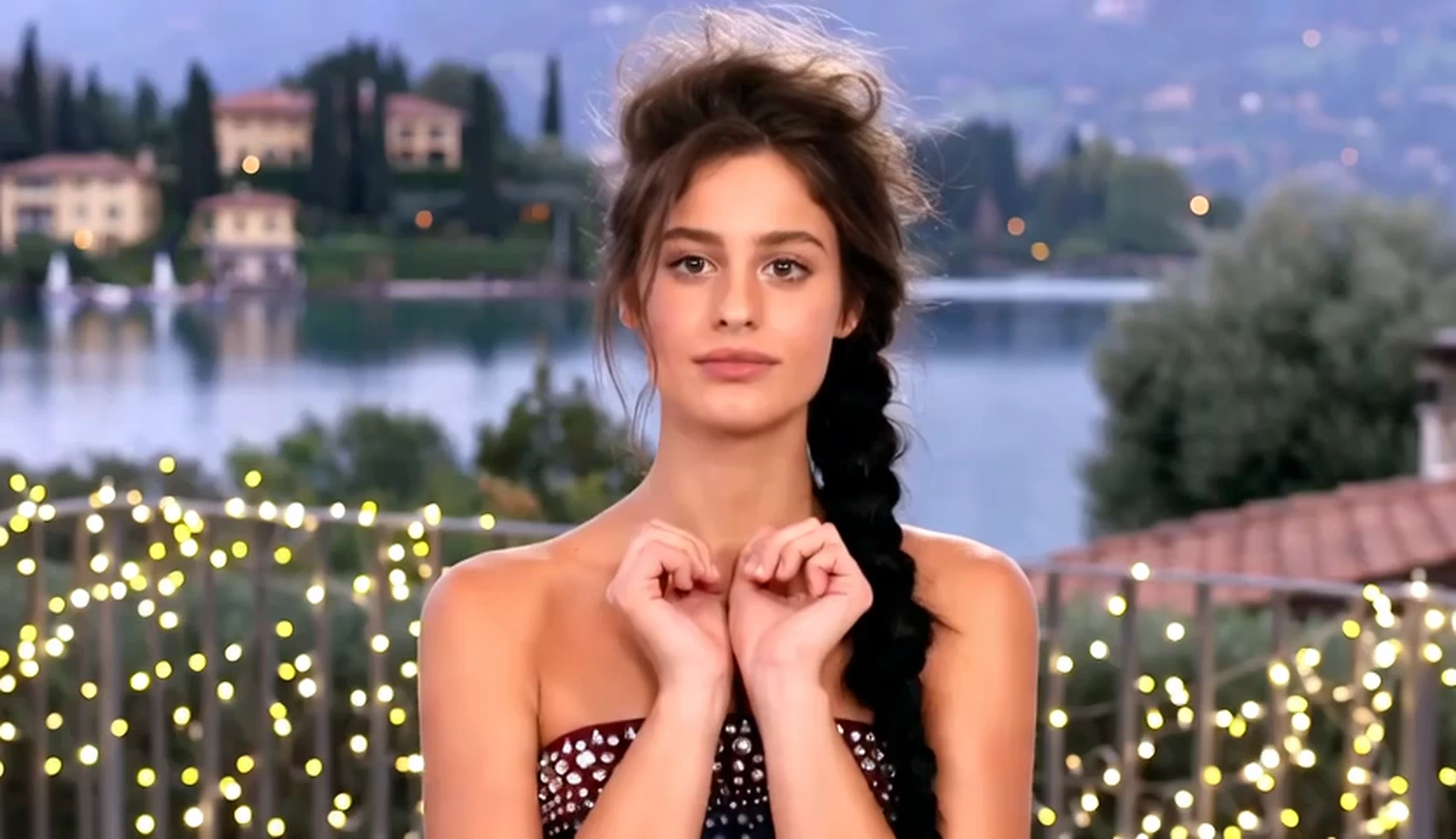
Muzeclip's image to video is an AI image to video tool that treats your upload as the opening frame and generates everything that happens next. The model reads the photo for depth, lighting and the main subject, then uses your short motion prompt to decide what moves, how fast, and where the camera travels, filling in the frames between with motion that respects the original composition. Because your picture already sets the look of the scene, it suits anyone with a strong photo, product shot, portrait, or illustration who wants it to move without filming anything new. It also differs from nearby tools in an important way. A slideshow maker makes a video with pictures by sliding them past one another, a file converter turns a JPG into an MP4 without adding any motion, and traditional photo and video editing software expects you to animate by hand. Muzeclip uses AI to generate video from an image, producing real movement such as drifting hair, rolling waves, or a slow orbit around a product, ready to drop into any edit.
How Does Muzeclip's Image to Video Generator Work?
Upload a Strong Source Image
Choose a sharp, well-lit picture with a clear subject and some breathing room around it, since the AI needs space to move the subject or the camera without awkward cropping. A front-facing portrait, a cleanly lit product shot, or a landscape with an obvious focal point gives the image to video AI the most reliable starting frame.
Describe the Motion, Not the Picture
The photo already shows what is in the frame, so spend your prompt on what should change, for example: her hair lifts in a light breeze, she turns toward the camera and smiles, slow push-in. Name one main movement and one camera move, and choose an aspect ratio close to your source image so nothing important gets cut off.
Generate, Compare, and Download
Generate two or three versions and keep the one with the most natural motion. If a face warps or an object melts, soften the movement or describe it more precisely, then download your photo to video online result, watermark-free on eligible plans, and add titles or a soundtrack in your favorite editor.
What You Can Do with Muzeclip's Image to Video?
Turn Old Family Photos Into Living Memories
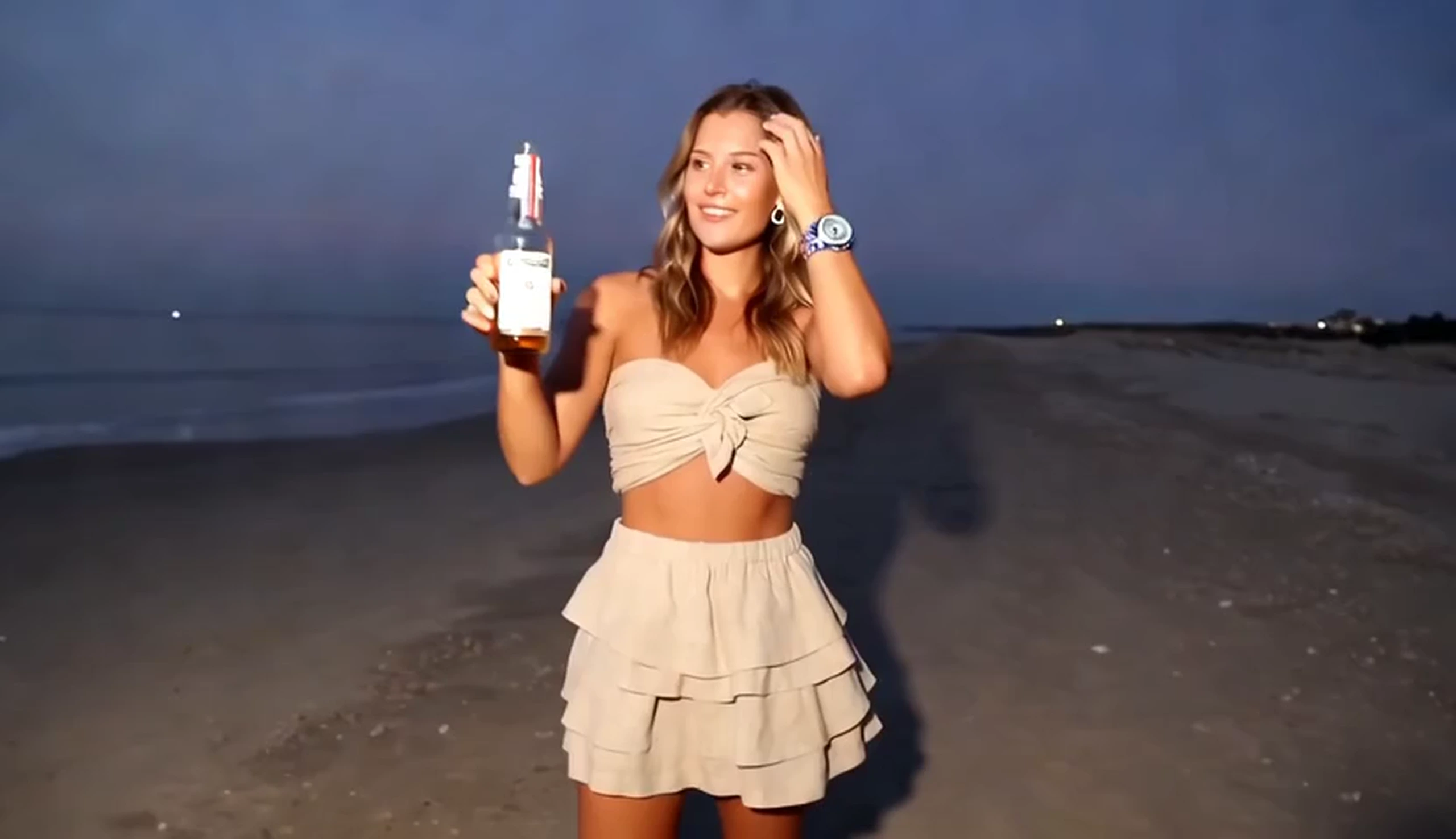
A faded wedding portrait or a grandparent's black-and-white snapshot can become a few seconds of gentle motion: a blink, a soft smile, a curtain stirring behind them. Muzeclip keeps the original features recognizable and favors subtle movement, which is what makes these clips feel tender rather than uncanny. Families use this photo to video AI for anniversaries, memorial tributes, and reunion videos that bring a generation back into the room.
Turn Product Shots Into Scroll-Stopping Ads
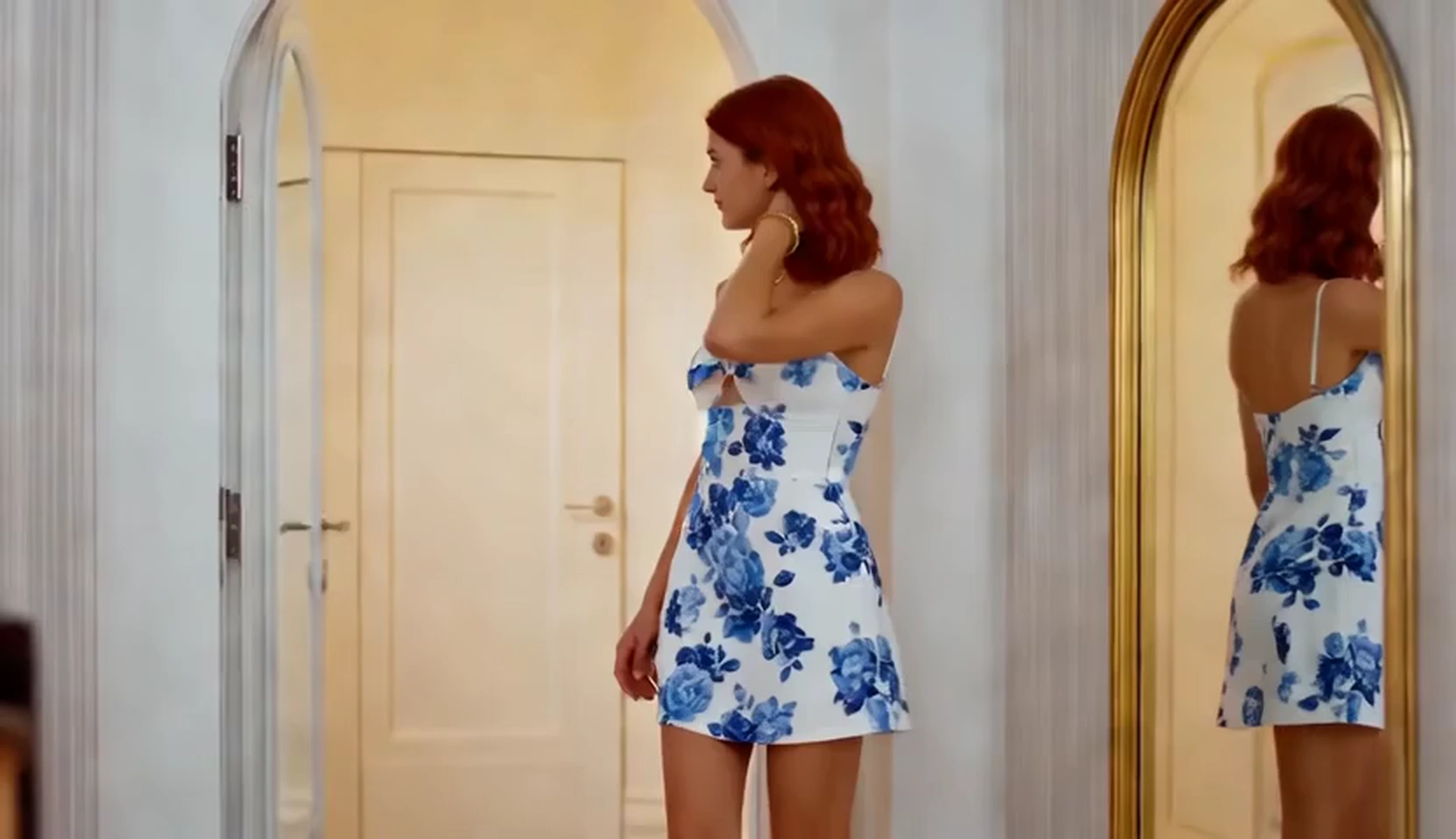
A single catalog photo can carry an entire ad once it moves, whether that is steam curling from a coffee mug, a watch face catching a sweep of light, or a dress swaying as the camera orbits the model. Muzeclip animates the scene while working to preserve the product's shape, label, and color, so the clip stays true to what customers will receive. Online sellers use this image to video converter to refresh listings and social ads without reshooting a thing.
Turn Illustrations and AI Art Into Animated Loops
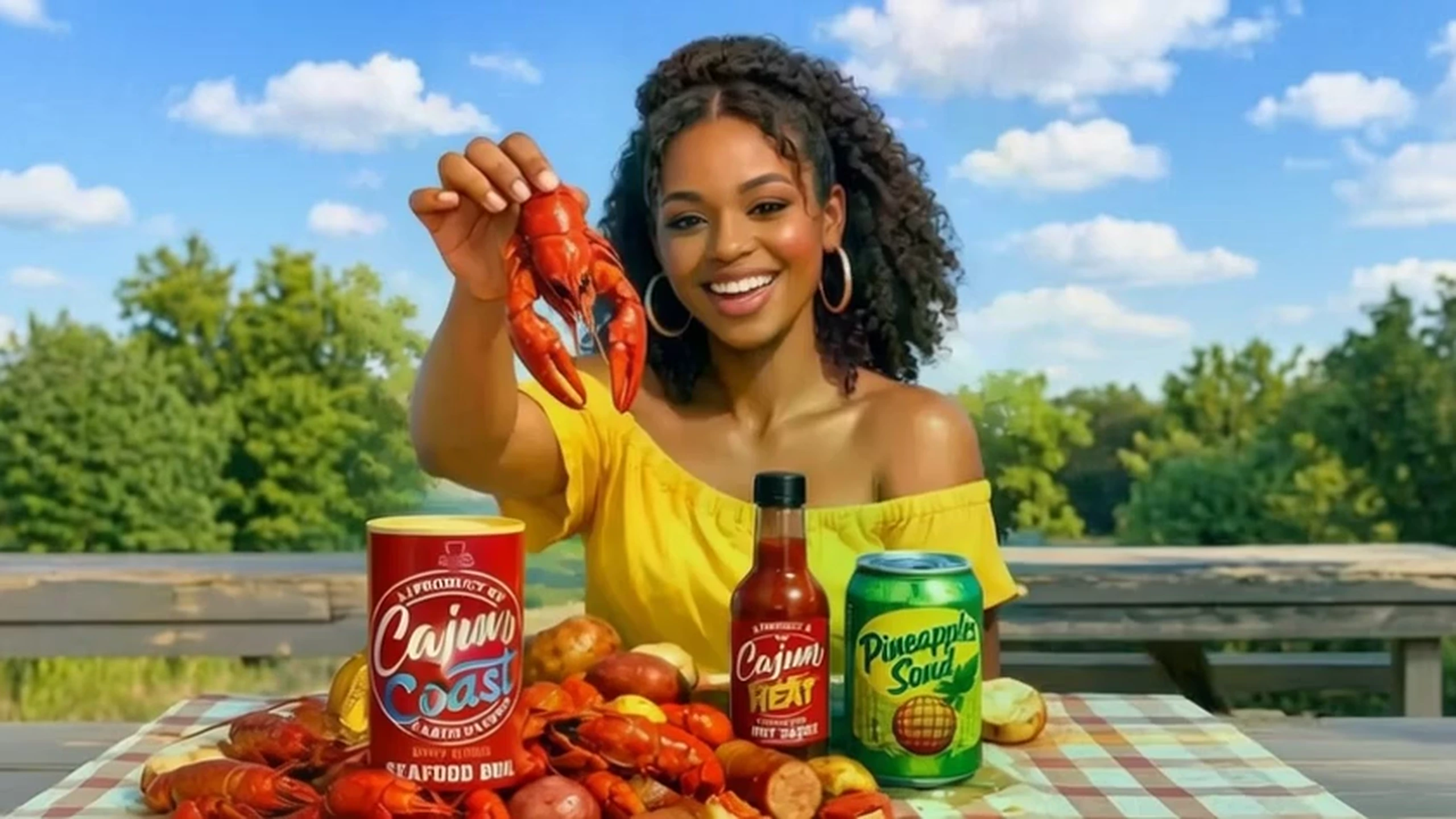
Concept art, anime characters, and pieces made in Midjourney or similar tools take on new life in motion: a dragon exhaling smoke, cherry blossoms drifting past a samurai, neon signs flickering across a cyberpunk skyline. Muzeclip follows the original linework and palette instead of redrawing the piece in a different style. Artists use this image to video animation AI to create portfolio loops, animated wallpapers, and teasers for upcoming releases.
Turn Travel and Property Photos Into Cinematic Walkthroughs
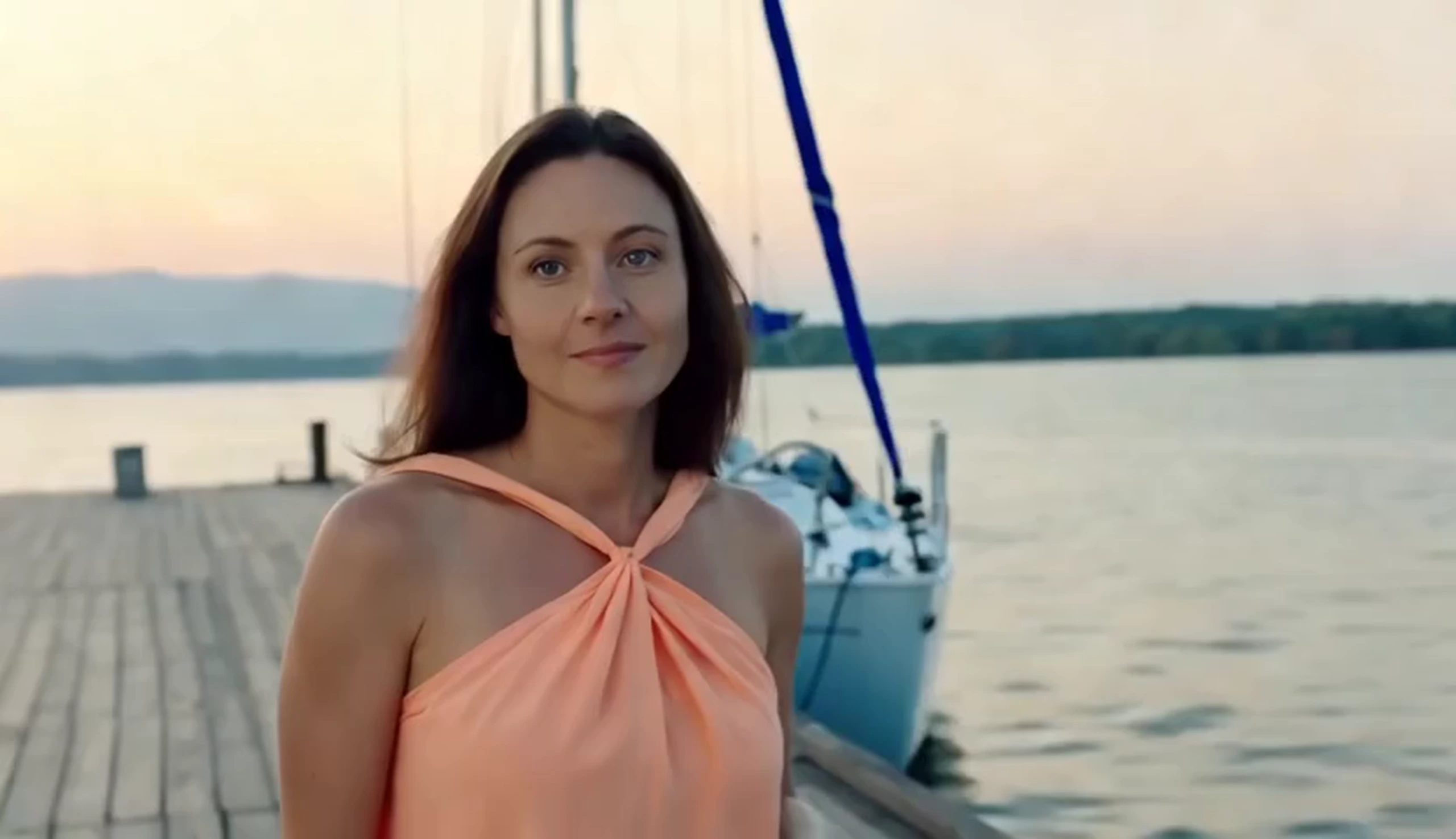
A still of a coastline, a hotel lobby, or a sunlit living room becomes a slow drone rise or a smooth dolly through the space. Animate each photo on its own, then line the clips up with a soundtrack, and creating a video from photos starts to feel filmed rather than assembled. Travel creators and real estate agents use it to turn a camera roll of stills into reels and listing tours that hold attention to the last frame.
Who is Muzeclip's Image to Video for?
Social Creators and Photographers
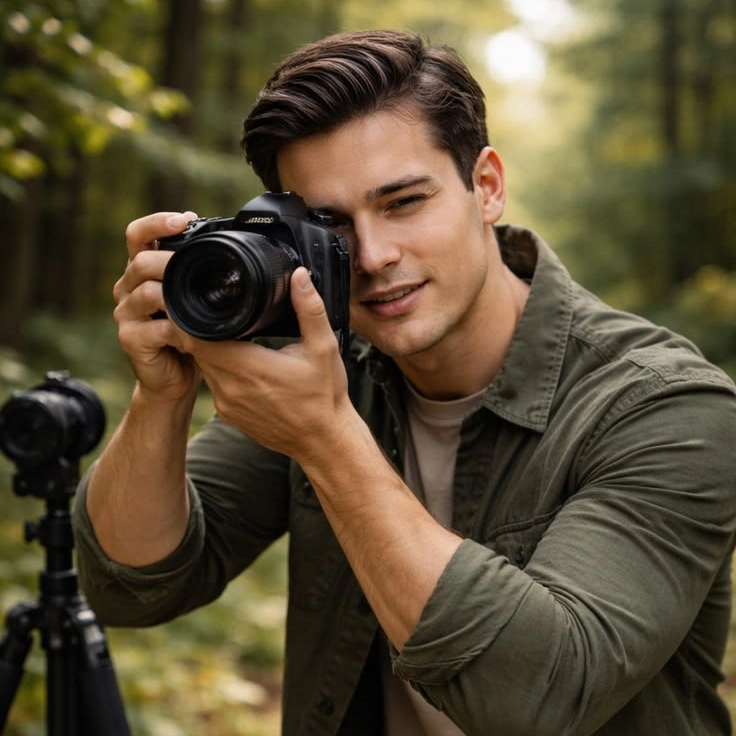
A great photo gets a glance; a moving one earns a replay. Turning photos into video lets creators and photographers post fresh clips to Reels, TikTok, and Stories without a new shoot, so an existing archive becomes a steady content pipeline.

E-commerce Sellers and Marketers
Product photos are plentiful, but product videos are expensive. Converting existing catalog shots into motion gives brands ad creatives and listing videos on demand, with no studio, model, or videographer to schedule.

Artists, Designers and Memory Keepers
Static work can feel unfinished in a feed built for motion. Whether it is an illustration, a design mockup, or a cherished family picture, AI picture to video turns it into a short clip that keeps the original's character intact.
Why Choose Muzeclip's Image to Video?
Your Picture Stays Your Picture
Many image to video AI generators drift away from the source within a second, softening faces or reshaping products. Muzeclip anchors generation to your upload, keeping identity, proportions, and color faithful while only the elements you describe begin to move.
Motion You Direct in Plain Words
Instead of keyframes and sliders, you simply describe the movement: the wind picks up, the camera orbits left, the subject glances over her shoulder. Muzeclip translates those cues into physically plausible motion, so every animate image to video AI result looks deliberate rather than like random wobble.
Free Start, Clean Exports, One Workspace
Upload, animate, and download in the browser, with free credits to make a video free before you commit. Eligible plans export without a watermark and include commercial usage rights, and Text to Video sits in the same AI video creator workspace whenever the shot you need does not exist as a photo yet.