
In-house models with built-in safety—prohibited content (political, pornographic, violent, illegal, or infringing likeness) cannot be generated.
Free AI Photo Generator - Text to Image & Image to Image
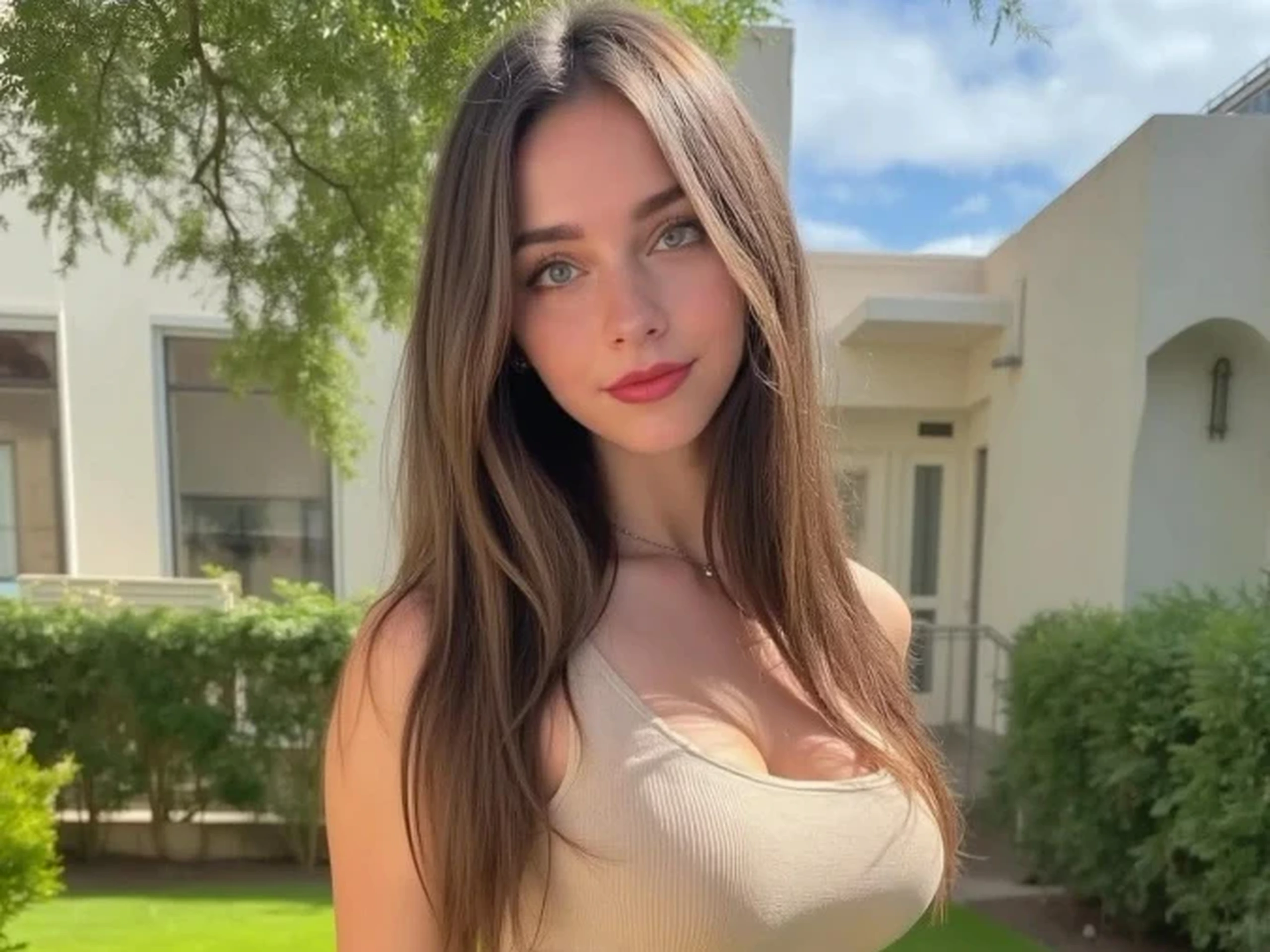
Type a description or upload a picture to start from, and Muzeclip turns it into a finished image in seconds, from photorealistic portraits and polished product shots to anime scenes, watercolors and 3D renders. Text to image mode reads composition, lighting, and style the way an art director would, while image to image mode keeps the layout of your upload and reinvents its style, setting or mood. Create AI images for campaigns, content and creative projects without a camera or design software, and start free with an AI image creator that works from words and pictures alike.
What is Muzeclip's AI Image Generator?
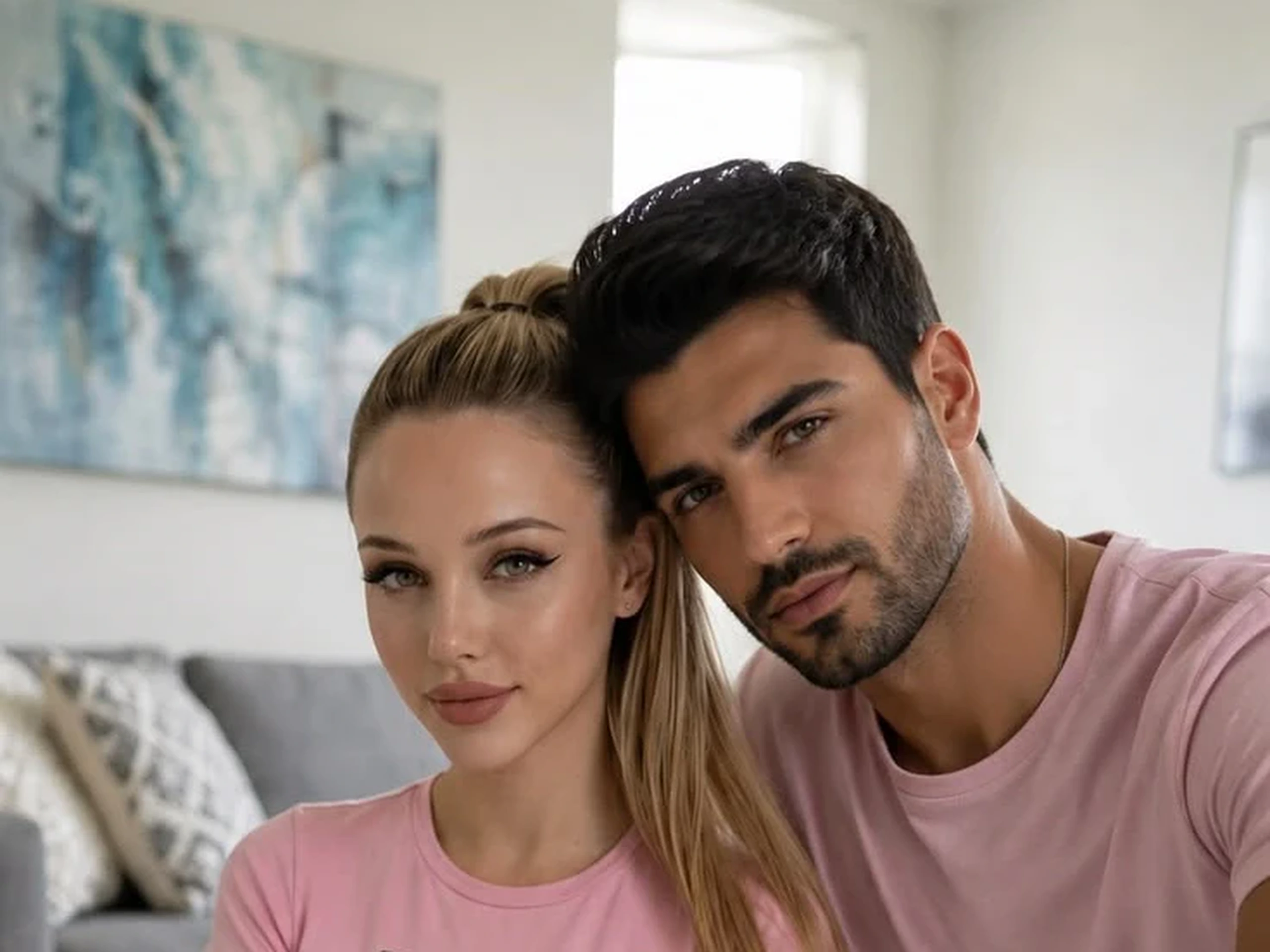
Muzeclip's AI image generator brings two modes into one workspace. In text to image mode, it creates an original picture from a written description; in image to image mode, it takes a photo, sketch, or render you upload and reworks it according to your prompt. Either way, the model is not searching a stock library. It interprets your words for subject, composition, lighting, and style, then generates the pixels to match, using your upload as the structural guide whenever you provide one. That is why specific prompts matter: a ceramic teapot on a linen tablecloth, soft window light from the left, shallow depth of field gives the model far more to work with than just a teapot photo, and in image to image mode, a prompt such as keep the pose, change the outfit to a yellow raincoat tells it exactly what to preserve and what to change. It suits marketers who need visuals on deadline, creators who need thumbnails and covers, and designers who want to explore ten directions before committing to one. It also sits beside an AI image editor rather than replacing one. An editor makes precise, local fixes to a picture you already own, such as removing a stray object, while AI image generation produces a new picture, built from scratch or reimagined from your reference, that you can animate afterward with Muzeclip's Image to Video.
How Does Muzeclip's AI Image Generator Work?
Pick a Mode and Write Your Prompt
Start with text alone when the idea is new, or upload a photo, sketch, or product shot when you need to keep a specific layout, pose, or object. Lead with the subject, then add setting, lighting, style, and framing, for example: a red fox curled up in fresh snow at dawn, golden backlight, wildlife photography, close-up. With an upload, focus the prompt on what should change and name what must stay.
Set the Ratio and Style
Pick an aspect ratio that matches the destination, such as 1:1 for feeds, 9:16 for Stories, or 16:9 for banners and thumbnails, and choose a style if you want a head start. Naming a medium such as oil painting, 35mm film photo, or 3D render guides the AI picture generator far more reliably than words like beautiful or amazing.
Generate, Refine and Download
Generate a few variations, compare them side by side, and keep the strongest. Adjust one phrase at a time to steer lighting, color, or composition, then download your AI generated images, watermark-free on eligible plans, for posts, decks, listings, or print.
What You Can Do with Muzeclip's AI Image Generator?
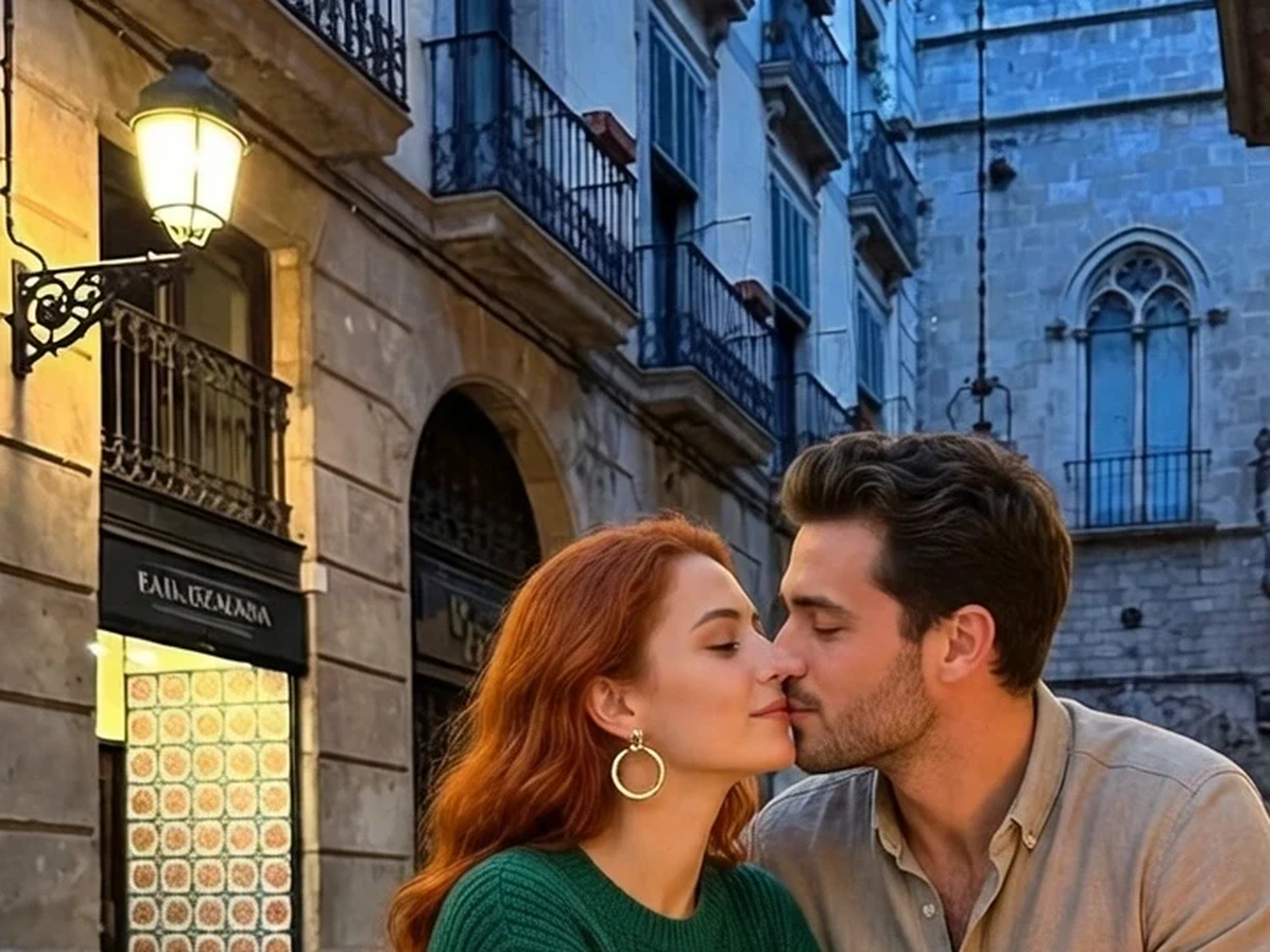
Turn One Product Photo Into a Full Lifestyle Campaign
Upload a clean shot of your product and describe new surroundings, such as a bottle of cold brew on wet black slate with ice chips and moody rim light, then the same bottle on a sunlit picnic blanket. Image to image mode keeps the product's shape and framing as the anchor while the AI photo generator builds fresh scenes and lighting around it. E-commerce sellers use it to turn one photo into listing images, seasonal banners, and ad variations without booking another shoot, checking labels and small print before publishing, since fine text can shift between generations.
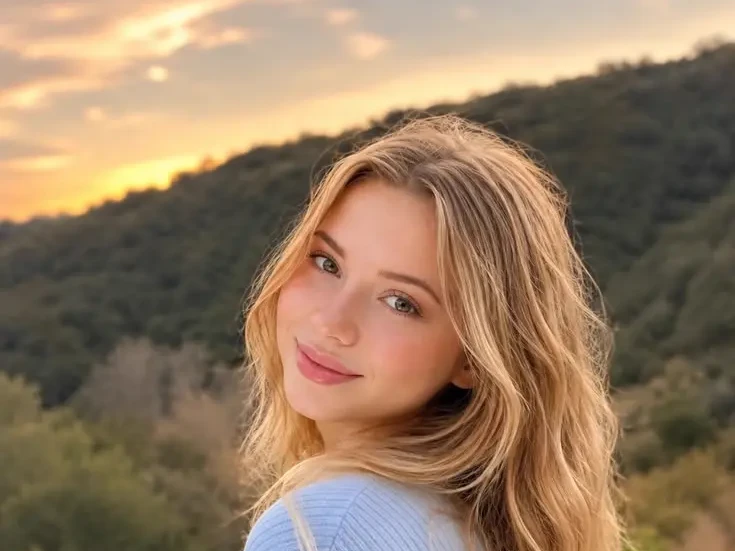
Turn Topics and Titles Into Thumbnails and Headers
A YouTube video, newsletter, or blog post needs a picture that explains the idea at a glance. Describe the concept visually, such as a tiny explorer standing on a giant open book or a city skyline built from stacked coins, and ask for empty space on one side for the headline. Creators use this free AI image generator from text to produce original covers in minutes instead of digging through stock sites for something close enough.
Turn Character Notes Into Concept Art
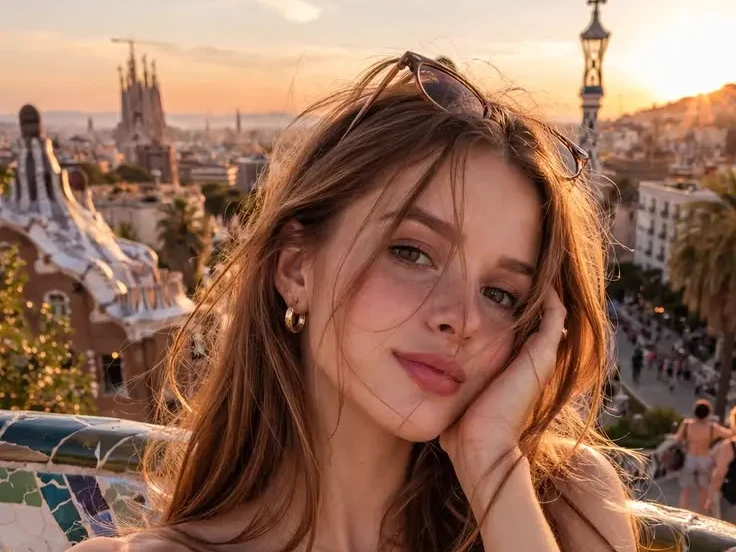
Game developers, novelists, and tabletop players can see their worlds before anyone draws them: a silver-haired desert mercenary with a brass prosthetic arm, or a floating night market lit by paper lanterns. Muzeclip handles fantasy, anime, painterly, and 3D styles, and reusing the same character description, or feeding an earlier result back in as a reference, keeps the design recognizable across poses and scenes. Teams use this AI image maker to agree on a look early and hand illustrators a clear visual brief.
Turn a Sketch or Snapshot Into a Whole New Style
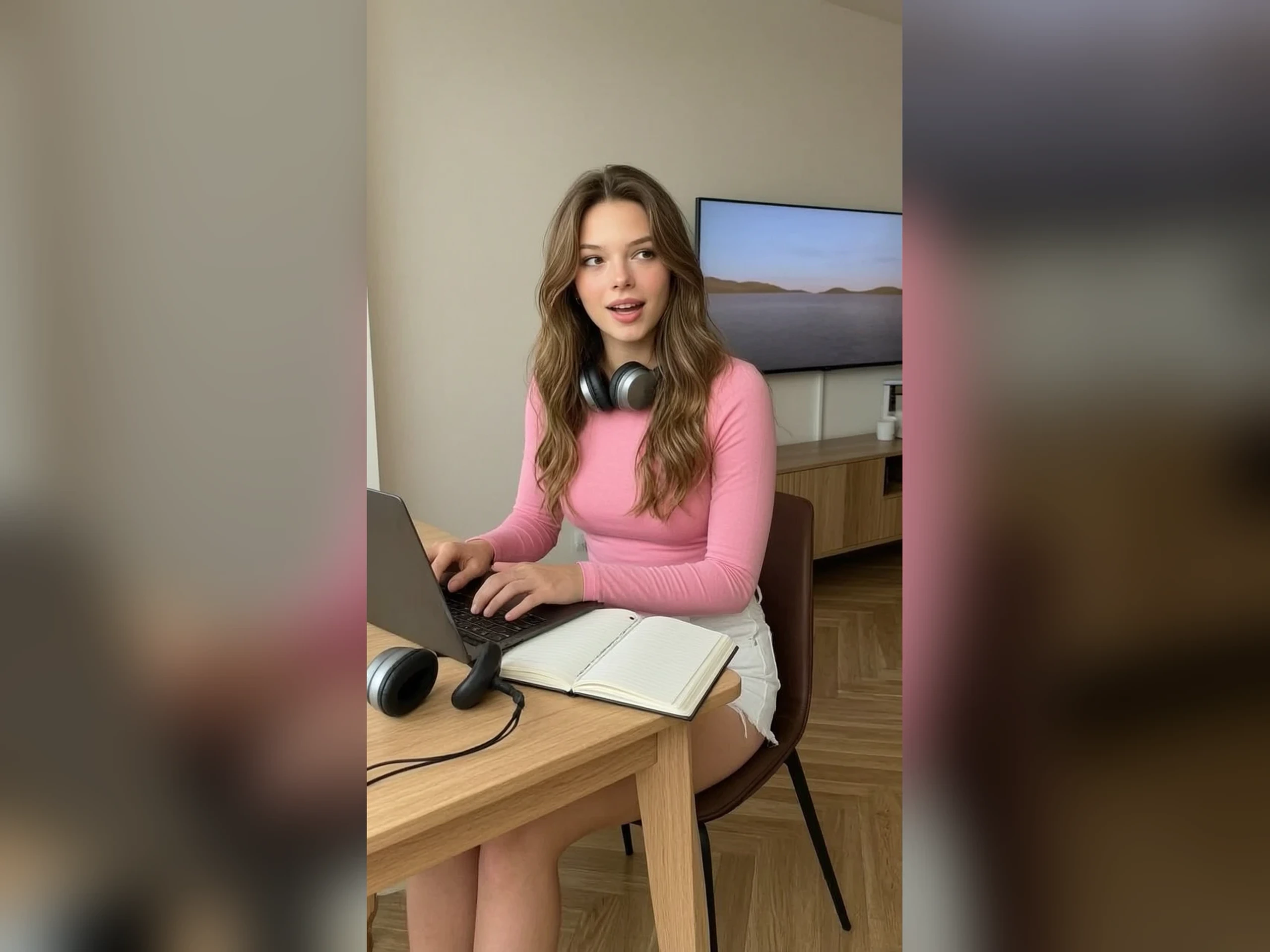
Upload a pencil sketch, a phone photo of your living room, or a casual selfie, then describe the transformation, such as a hand-painted storybook watercolor, a Scandinavian interior makeover, or a vintage film portrait. Image to image AI keeps the layout and pose of the original while reinventing texture, color, and setting. Interior designers, illustrators, and casual users rely on this AI image generator from image to explore ideas they would never have time to paint by hand.
Who is Muzeclip's AI Image Generator for?
Marketers and E-commerce Teams
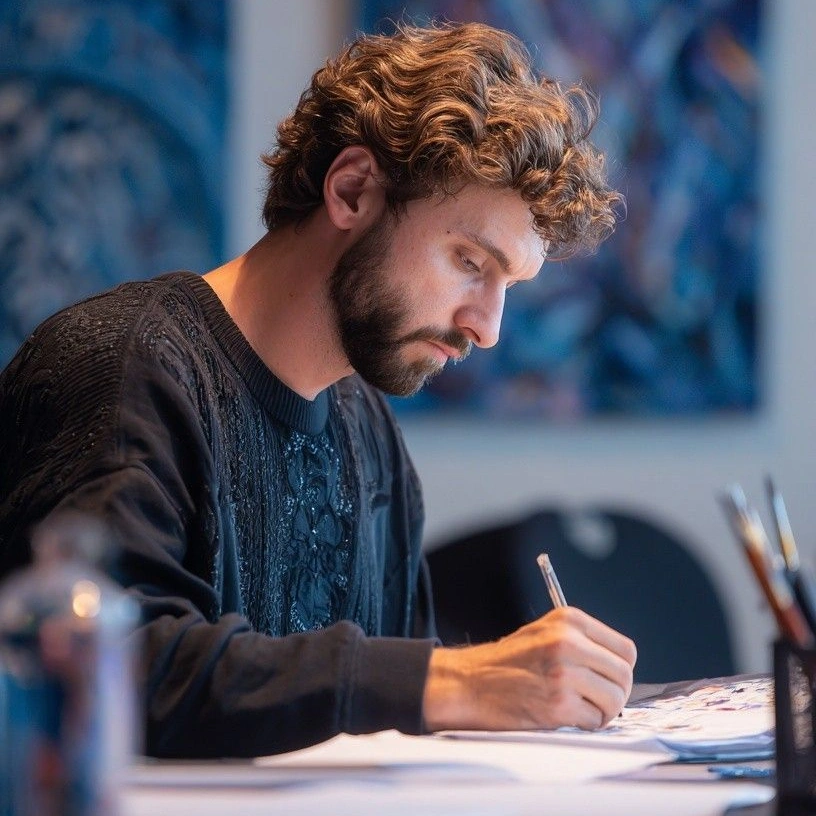
Campaign calendars rarely leave room for a shoot every week. An in-house AI image generator turns briefs into product scenes, banners, and ad variations on demand, so teams test more ideas and spend photography budgets only on proven winners.
Content Creators and Bloggers
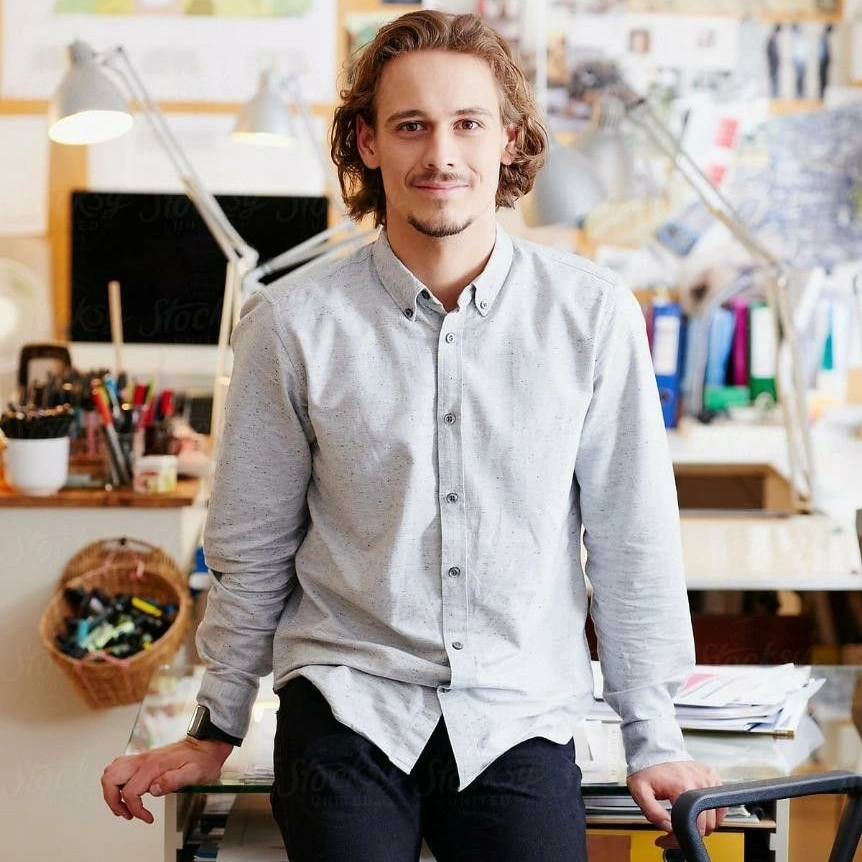
Every post, video, and newsletter needs a visual, and stock libraries all start to look the same. With AI text to image, writing a scene instead of searching for one gives creators original covers, thumbnails, and illustrations that match their voice and topic.

Designers, Artists and Game Developers
The blank canvas is the slowest part of any project. Using AI image creation to sketch dozens of directions in an afternoon helps designers and artists find the right look sooner, then refine it with their own craft.
Why Choose Muzeclip's AI Image Generator?
Every Detail in Your Prompt Counts
Many free image generator AI tools latch onto the main noun and improvise the rest. Muzeclip weighs subject, lighting, lens, mood, and style together, so a rain-streaked café window at night with warm tungsten light inside comes back with that exact atmosphere, not a generic coffee shop photo.
Text to Image and Image to Image in One Place
Start from a sentence when the idea is new, or from a reference when you already have a layout, pose, or product you need to keep. Switching between text to image AI and image to image modes in the same workspace means you never have to rebuild an idea in a different tool.
Free to Create, Ready to Animate
Muzeclip works as an AI image generator online, so there is nothing to install. New users start with free credits, eligible plans download without a watermark and include commercial usage rights, and any picture you create can go straight into Muzeclip's Image to Video to become a moving clip.